Key takeaways
- A useful custom-song brief contains specific memories, correct names and a clear emotional direction.
- Approve the lyrics before producing the final recording, then approve the audio separately.
- WaveQuake and Suno V6 can supply candidate songs; the gift still needs editing, listening and careful presentation.
- If you sell custom songs, state exactly what the buyer receives and how revisions work.
In this article
- 1. Ask for details that can become a song
- 2. Turn the brief into a clear lyric
- 3. Approve names and wording before production
- 4. Choose a production route for the gift
- 5. Select the performance that serves the person
- 6. Package the gift around the finished recording
- 7. Describe a custom-song offer honestly
- 8. Keep one approved delivery record
Custom song gifts work when the recipient recognises something true about their own life. A familiar phrase, a small shared memory or a correctly pronounced name can matter more than a dramatic arrangement. AI music tools make it easier to explore musical ideas, but they do not know which personal details deserve the chorus.
This guide follows a gift from a short brief to an approved delivery package. It applies whether you are making one song for a friend or building a clearly described custom-song service. The example schedules and package counts are suggestions, not sales results or promises of instant delivery.
The workflow includes WaveQuake and Suno V6, with public product details checked on 19 November 2026. It keeps the human decisions visible: what the song should say, how the name should sound and which final recording the recipient will hear.
1. Ask for details that can become a song
Start with the occasion, recipient and intended mood. A funny birthday song, a quiet anniversary dedication and a remembrance song need different language. Ask whether the gift should feel sincere, playful, celebratory or reflective before choosing a genre.
Then collect a few specific details. “They are kind” is difficult to turn into a distinctive lyric. “They drove across town every Friday to bring dinner” gives the writer an action, a setting and an emotional meaning. The strongest details are often small enough to fit naturally into one line.
Keep the brief focused. A list of twenty memories can produce a song that sounds like a questionnaire read aloud. Select a central idea and two or three supporting moments. Save the remaining details for a written dedication or another version if needed.
| Brief section | Suggested entries | Purpose |
|---|---|---|
| Occasion and mood | 2 | Establish the setting |
| Specific memories | 3 | Supply recognisable details |
| Important names | 2 | Set pronunciation checks |
| Details to avoid | 2 | Prevent an uncomfortable surprise |
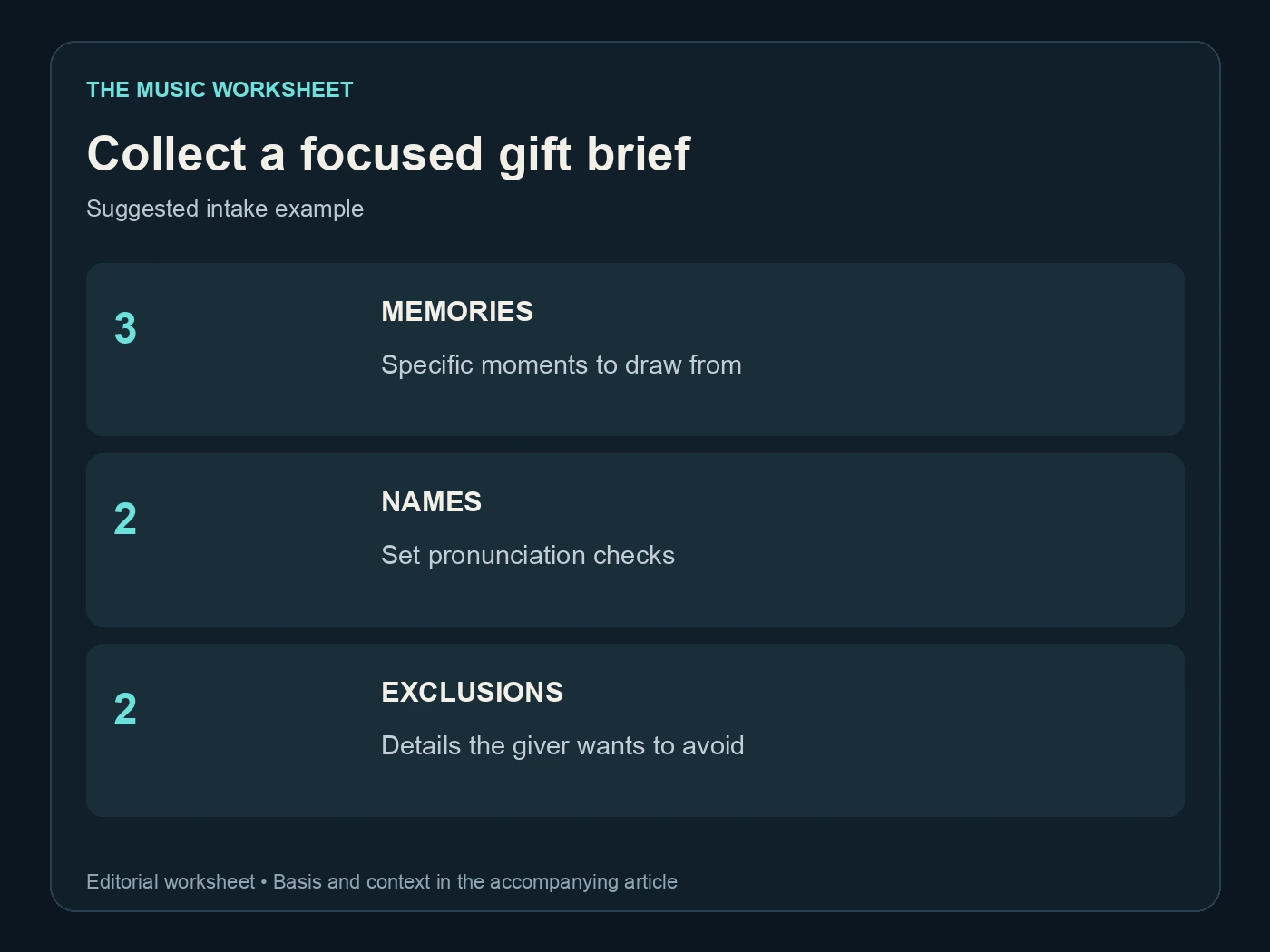
The counts are a sample intake format. Adjust them to the person and occasion. For sensitive stories, include only details the giver is comfortable putting into a recording and avoid turning private information into a public promotional example.
2. Turn the brief into a clear lyric
Write the song’s main message in one ordinary sentence. For example: “You made every new place feel like home.” That sentence can guide the chorus even if the exact words change. It also helps you reject attractive lines that do not belong to this particular gift.
Use the verses for details and the chorus for the central feeling. A repeated chorus should remain meaningful after the listener has heard the story once. Avoid filling every line with names, dates and locations; a personal song still needs natural phrasing and room to breathe.
WaveQuake’s Songwriter workflow can help explore hooks and alternate lyric directions. Give it the approved details and a clear tone, then edit the result. Check that it has not invented events, relationships or promises that were absent from the brief.
Read the lyric aloud before generating audio. Watch for sentences that are grammatically correct but awkward to sing, rhymes that change the intended meaning and jokes that may feel different when heard by the recipient. A gift is a poor place to leave an ambiguous line unexplained.
3. Approve names and wording before production
Make a separate pronunciation note for every important name. Ask the giver for a spoken reference where needed, especially for names with several common pronunciations. Record the ordinary spelling and intended sound without assuming that a phonetic approximation will reliably control a generator.
Send the proposed lyric for approval if someone else commissioned the song. Ask them to check factual details, tone and sensitive wording. Keep the approved version identifiable so a later audio revision does not accidentally restore an earlier lyric.
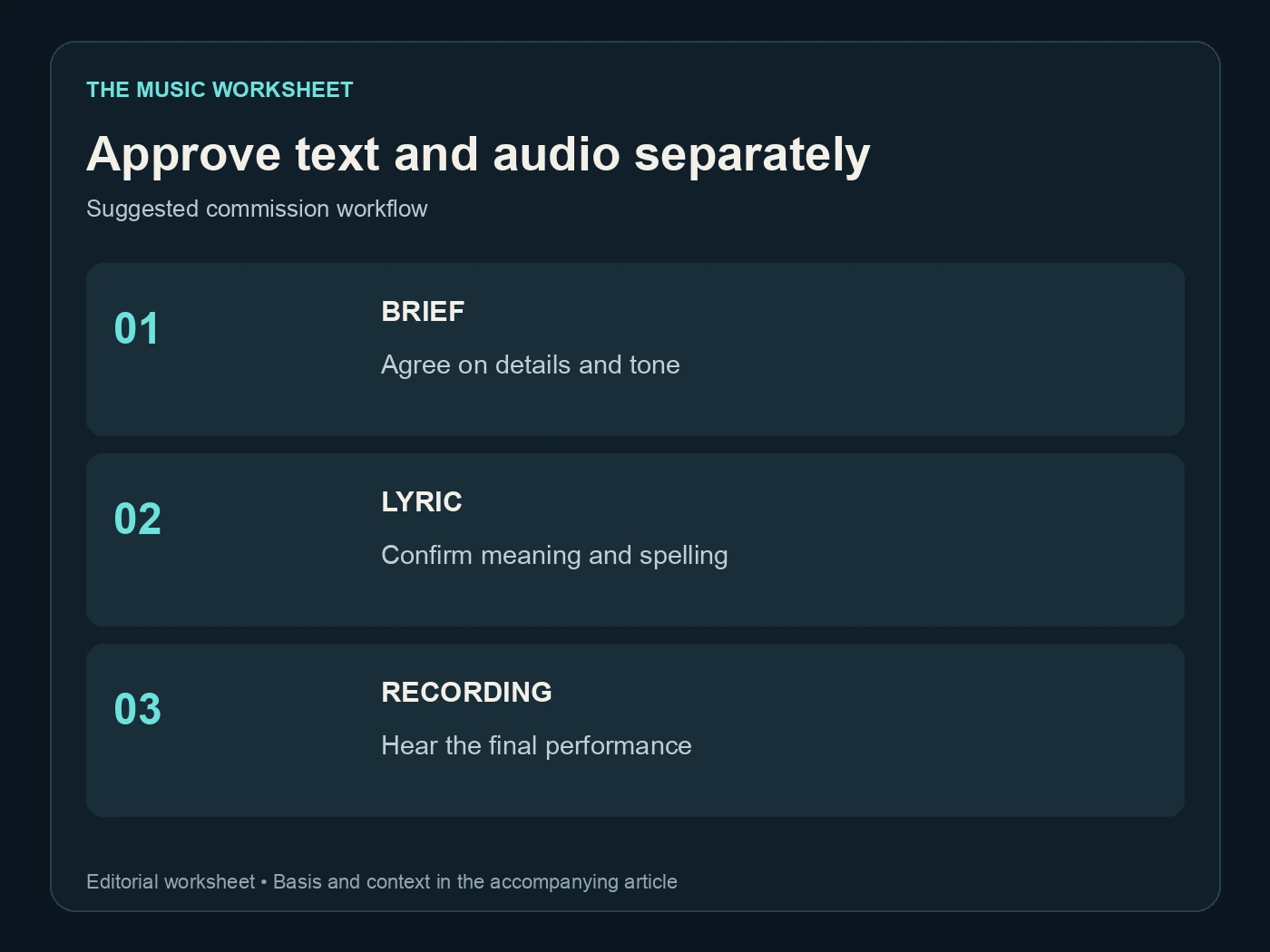
Written approval and audio approval are separate steps. The final performance may omit a word, alter a repetition or pronounce a name differently. Explain that the lyric review settles the intended text, while the recording review checks how that text was performed.
If you sell the service, define what counts as a revision. Correcting a misspelled name is different from changing the whole musical style after a completed arrangement. A short, clear description of included changes is more helpful than an unlimited-revisions promise that neither side understands.
4. Choose a production route for the gift
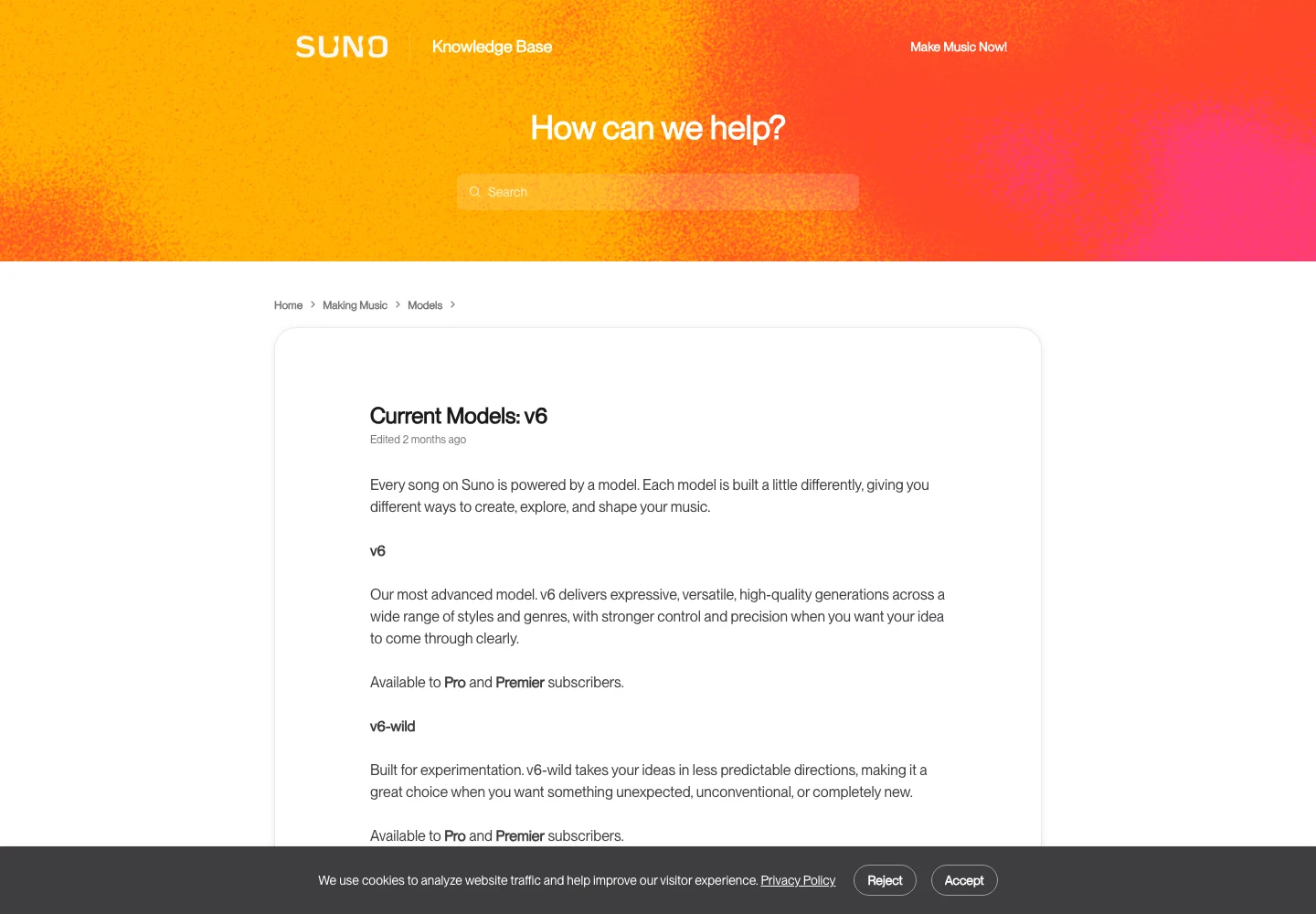
Suno’s V6 model guide describes models with different creative purposes. A controlled interpretation may suit an already approved brief, while a more exploratory variant may help when the musical direction is still open. Compare the actual candidates against the recipient’s taste rather than choosing by model name alone.
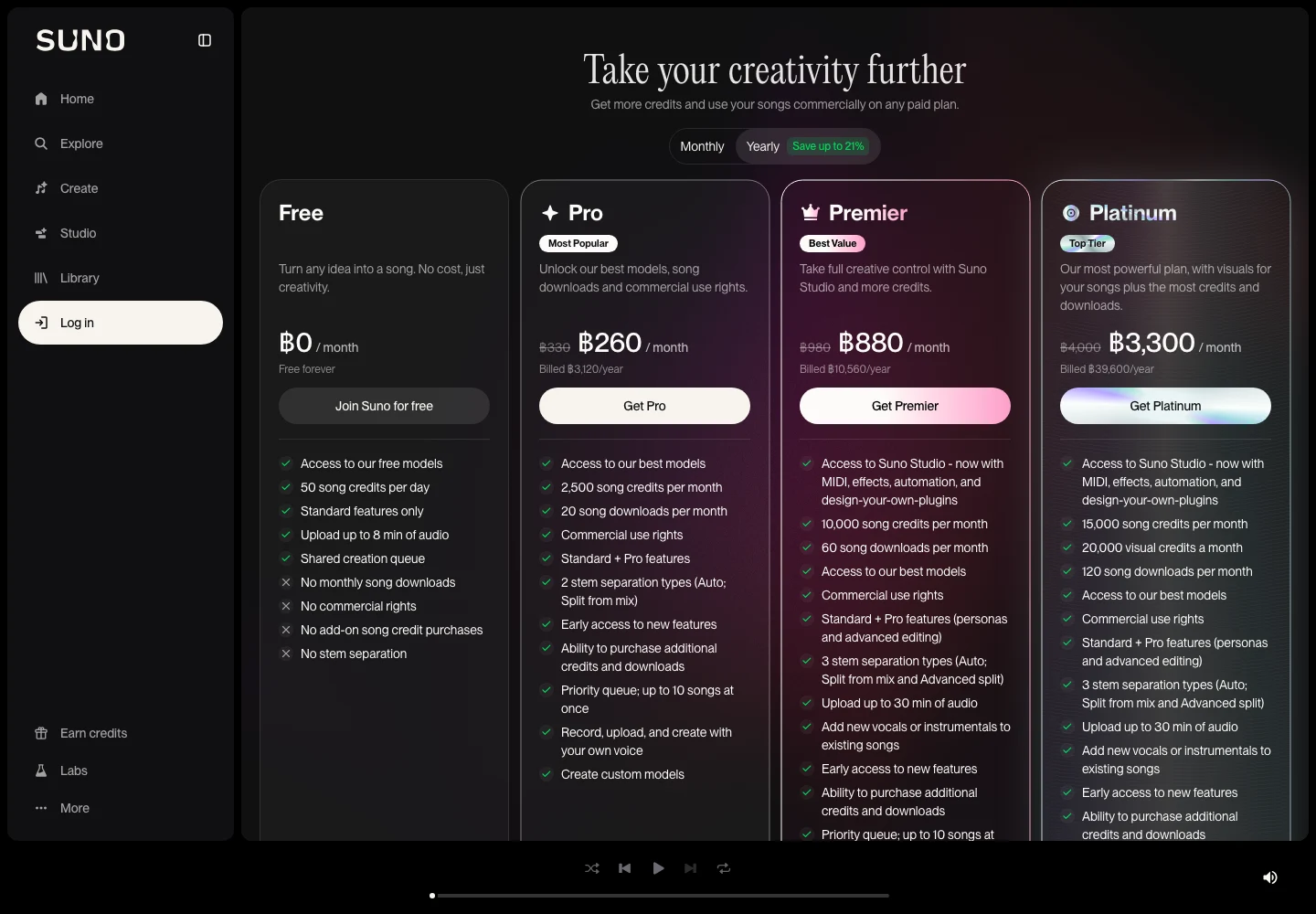
Check the current Suno pricing and download terms before planning delivery. As checked for this article, Free has no monthly downloads or commercial-use rights, while paid tiers have their own allowances. An old tutorial describing a previous free-download offer is not a dependable basis for a paid commission.
WaveQuake offers a one-time studio route. Its current founder price is $149.99, with unlimited Standard Generations and two versions per successful generation. That can support exploring several arrangements, but the final choice still needs a complete listen.

Describe the desired musical attributes: acoustic or electronic texture, energy, vocal character and the emotional movement through the song. Use permitted references thoughtfully. A request to copy a famous singer exactly can introduce problems that a straightforward original brief avoids.
Our WaveQuake review covers the wider studio before you choose it for a commission.
5. Select the performance that serves the person
Compare a small number of candidates against the same criteria. Does the chorus communicate the intended message? Are the personal details understandable? Does the arrangement fit the occasion? Does the song end in a way that feels complete?
Listen for names first, then hear the entire recording. A strong opening can distract from a missing verse or an awkward final chorus. Mark any repair with a timestamp and a specific description, such as “the second name loses its final consonant,” rather than asking for a vague improvement.
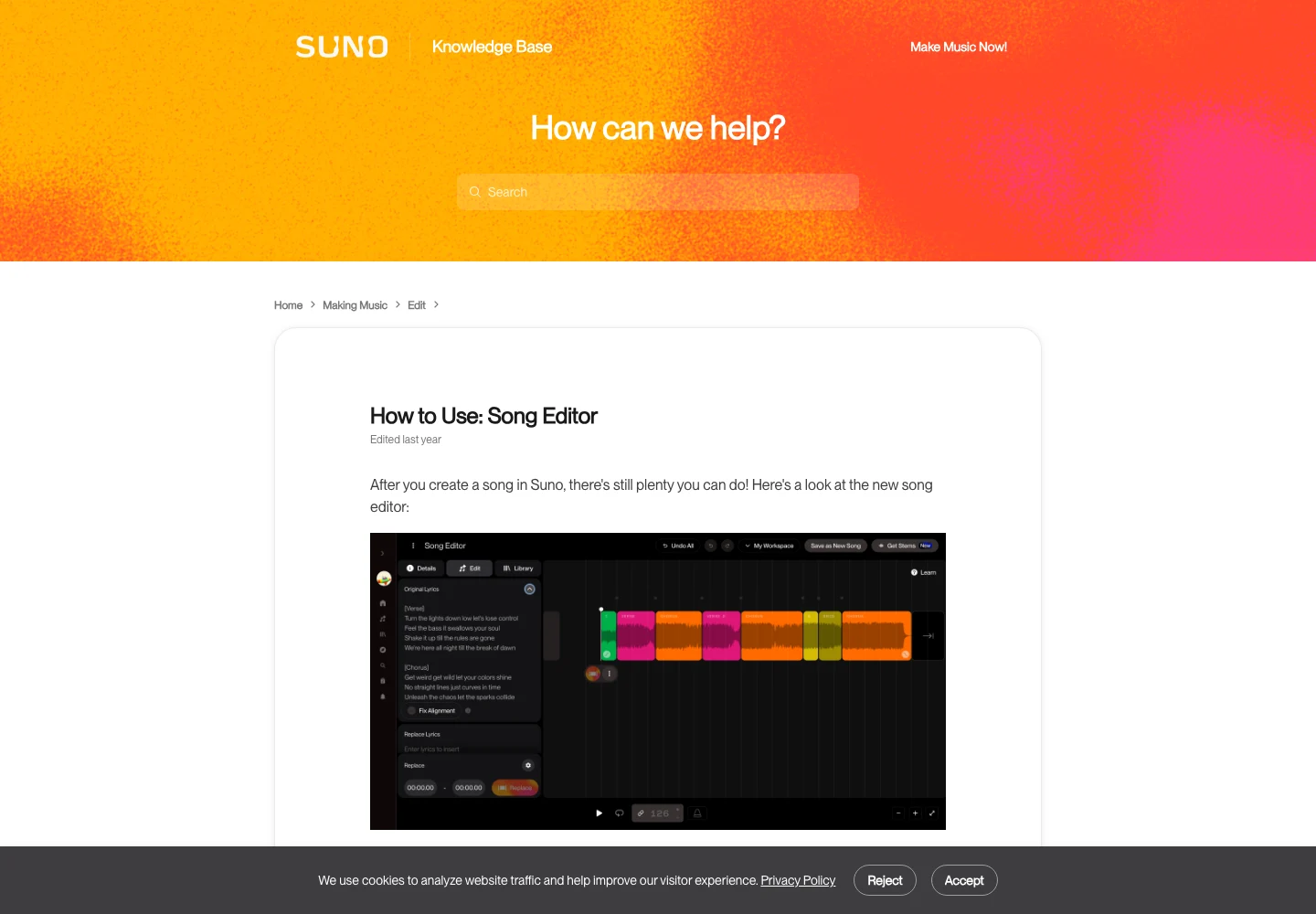
Suno’s Song Editor guide describes regional lyric edits and replacements. Those tools can help repair a passage, but a replacement needs a new continuity check. Hear the phrase before and after the edit for changes in vocal tone, arrangement and level.
| Review stage | Example files | Decision |
|---|---|---|
| Initial shortlist | 3 | Choose the strongest direction |
| Focused repair comparison | 2 | Select the better complete passage |
| Final approval | 1 | Confirm the delivered recording |
| Reopened export | 1 | Check the actual file |
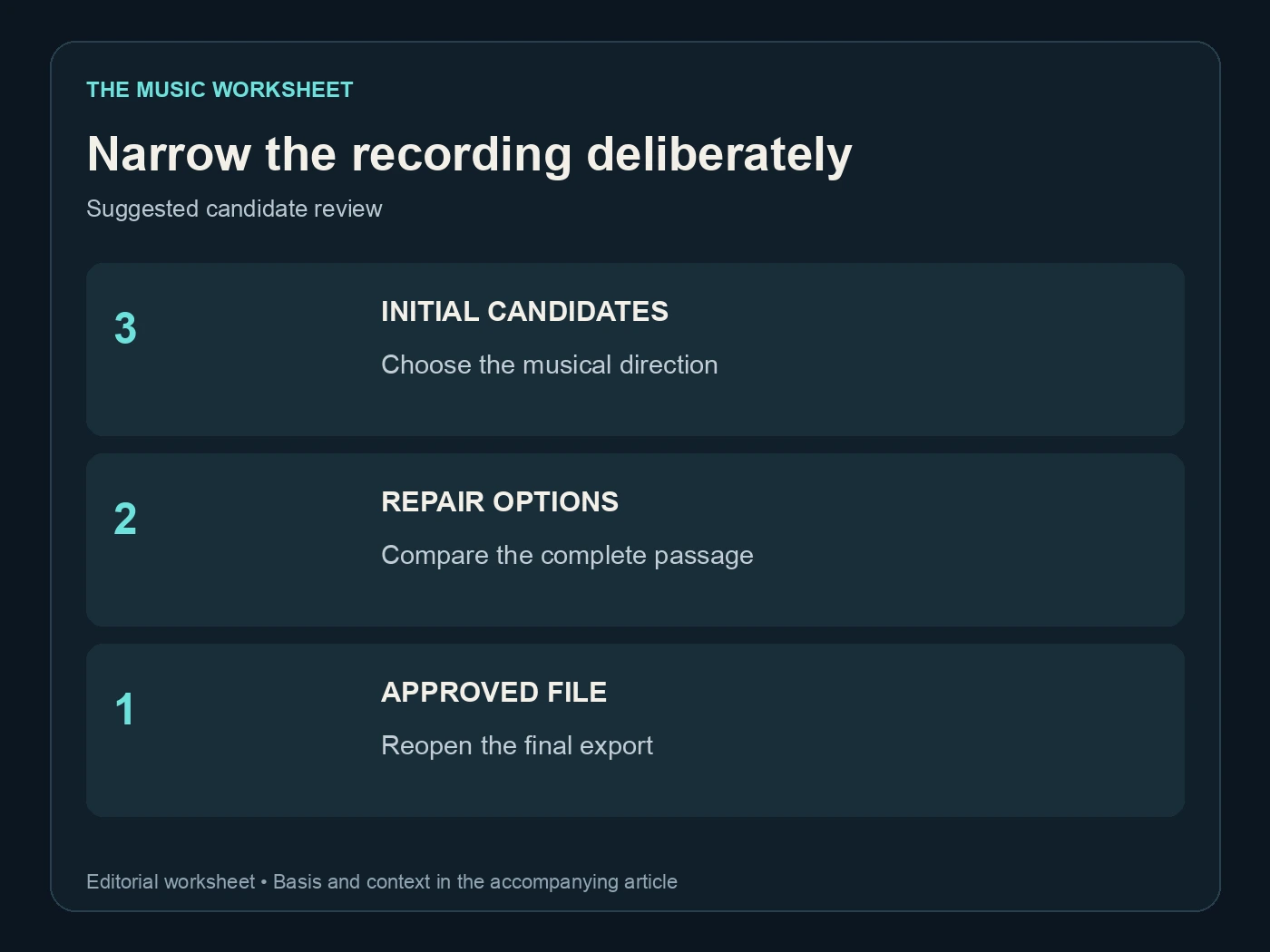
These counts describe a manageable example, not a promised number of included generations or revisions. If none of the candidates communicates the right feeling, revise the musical brief or lyric instead of selecting the least unsuitable one just to meet the table.
6. Package the gift around the finished recording
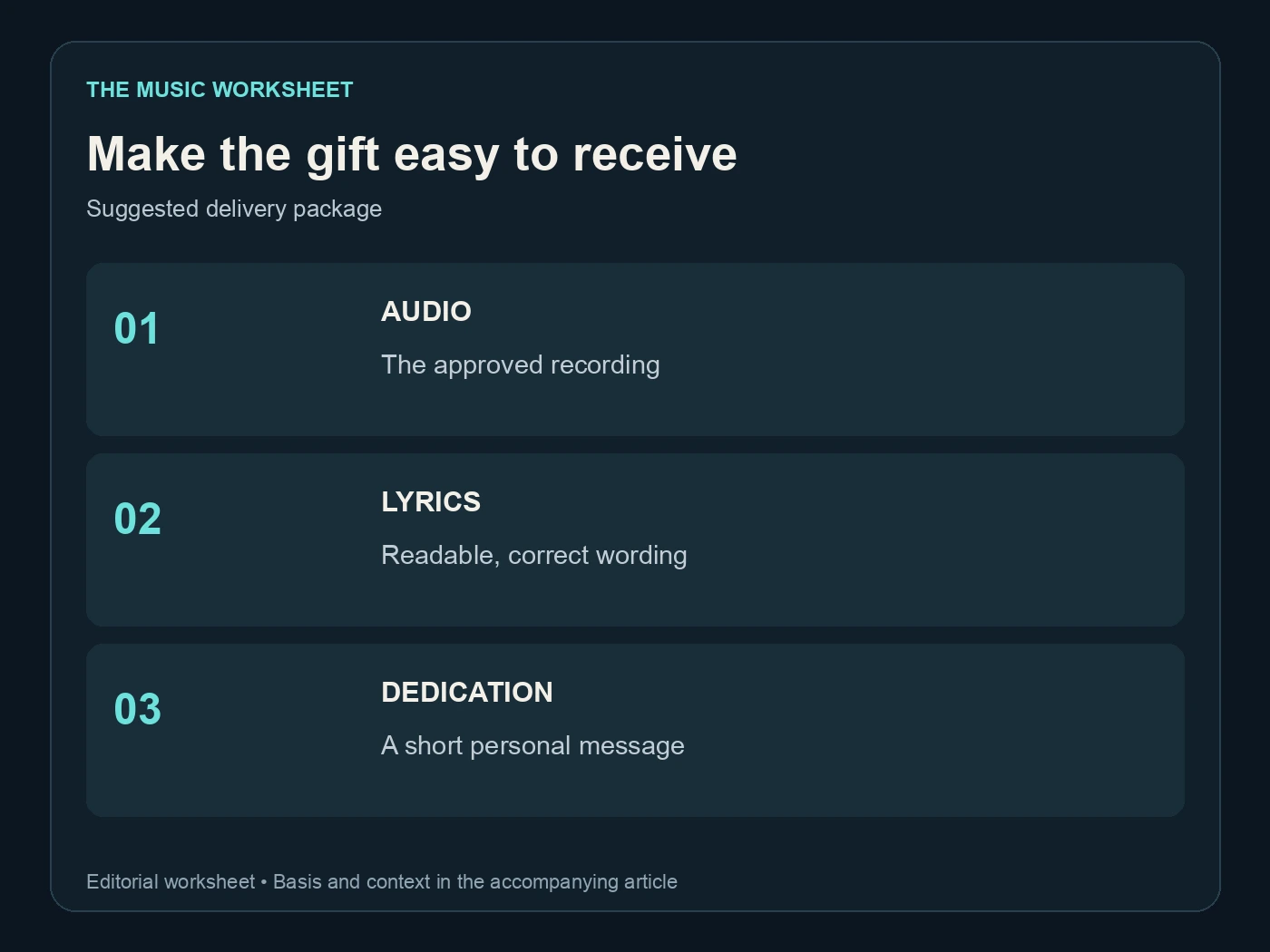
A useful gift package can be simple: the approved audio, a readable lyric sheet and a short dedication. If the recipient will play it at an event, confirm how the audio will reach the playback device. A beautiful cover image does not help if the host cannot open the file.
Keep filenames understandable. Use the song title, version and format rather than a long generation identifier. Preserve the original technical identifiers in your archive, where they help you trace the source without confusing the recipient.
If you make a lyric video or captioned preview, build it from the approved recording and correct public spelling. Do not copy experimental phonetic spellings from the working prompt into the final presentation. Check timing against the actual sung words, including repeated phrases.
Consider whether the gift is intended to remain private. A birthday dedication sent to one person and a publicly sold recording have different presentation needs. Agree on any later public use of the story, name, photograph or testimonial rather than assuming that making the gift authorises promotion.
7. Describe a custom-song offer honestly
If you sell custom song gifts, state the deliverables, expected process and revision scope before taking an order. Explain whether the buyer receives one finished song, alternate versions, a lyric sheet, artwork or a video. Make any delivery estimate reflect the review steps you actually perform.
Separate a commission from an instant download. A listing for an existing recording can show the final preview and exact file immediately. A custom song requires an intake process and an agreed way to review the result. Do not describe it as ready to download before it exists.
Played’s guide to selling music online covers presenting music directly to listeners. Use a clear artist page and offer description for the finished work, and choose an order and delivery process that supports the custom service you are actually providing. This article does not assume an automatic custom-commission checkout or private revision portal exists in every storefront.
Read WaveQuake’s commercial-use terms and the relevant terms of any other tool used. A service can only grant the rights it controls; uploaded material, third-party lyrics and reference recordings still need appropriate permission. Do not promise exclusive copyright or guaranteed platform acceptance without a sound basis.
The guide to selling Suno music provides more context for presenting a finished recording to buyers.
8. Keep one approved delivery record
Before sending the gift, reopen the export and listen from beginning to end. Check the opening, every important name, the chorus and the final decay. Confirm that the audio is the approved version and that the accompanying lyric sheet matches it.
Keep the original brief, approved lyric, pronunciation notes, source recording, final export and delivery date together. For a paid commission, attach the agreed scope and final approval. This record helps resolve a later request without guessing which of several similar files the buyer received.
If the recipient later wants a streaming release, treat that as a separate preparation and distribution decision. A gift-ready file does not automatically satisfy every distributor’s requirements. If Undetectr is part of your release workflow, review its resulting download as a new delivery candidate and preserve the original approved gift recording.
The finished package should feel personal because its details are accurate and its presentation is thoughtful. The generator supplies material; the care comes from choosing what belongs in the song and checking what the person will actually hear.
Related reading