Key takeaways
- Lead with the release, date and musical story so a reader can understand the news immediately.
- Include an approved listening link, accurate credits, a useful image and a reachable contact.
- Explain AI-assisted production concretely when relevant, without inventing human performances or outside endorsements.
- Finish the recording and destination page before sending an announcement that invites people to listen or buy.
In this article
- Find the news before writing the headline
- Use this music press release template
- Give each paragraph one job
- Finish the song before describing its production
- Prepare a small, usable press package
- Match the announcement to your public profile
- Give listeners a clear next step
- Run a final factual review
A music press release template should make a release easier to understand. It is not a substitute for a strong song, a relevant story or a useful listening link. For an AI-assisted artist, clarity is especially valuable: describe what you created, what listeners will hear and how the recording was developed.
This guide gives you a reusable announcement structure and a practical review process. It also shows where WaveQuake can fit before the announcement and how a direct sales page can give interested listeners a concrete next step after reading it.
Find the news before writing the headline
Start with a factual sentence: the artist is releasing a named song or collection on a confirmed date. Then identify the part that makes the story distinctive. It might be a lyric about a specific place, an unusual arrangement choice or a collection built around a coherent theme.
Avoid making the technology the entire story unless the production method is itself relevant to the outlet. “Made with AI” says little about whether the song is intimate, energetic, funny or unsettling. Describe the listening experience in ordinary musical language.
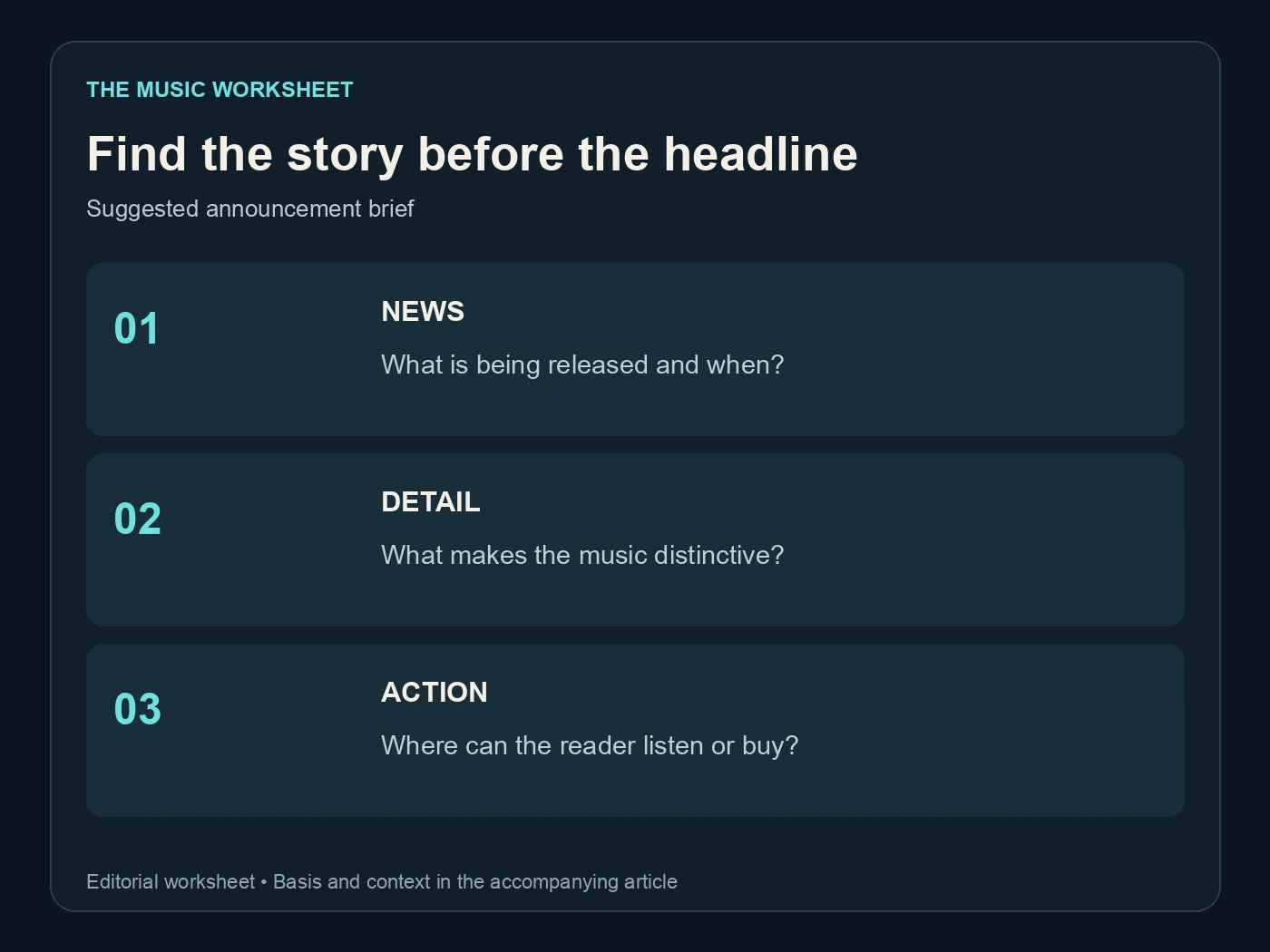
Use three planning fields: news, musical detail and reader action. If one is missing, the announcement may feel vague even when the prose is polished. Write those fields as plain notes before turning them into paragraphs.
Our guide to selling Suno music covers the wider release context. The press release should reflect a real project with an available destination, not a promise that you will work out the recording, credits and purchase page after someone asks.
Use this music press release template
Replace every bracketed item with a verified detail. Remove any section you cannot support. This is a suggested structure, not a fictional announcement to send unchanged.
For release: [date, or agreed embargo details]
[Artist] announces [release title], a [brief musical description] arriving [date]
[City or relevant location, date] — [Artist] will release [song/EP/album title] on [release date]. The [genre or arrangement description] centres on [specific theme or story], with [one concrete musical detail].
[A short paragraph explaining the song's origin, a meaningful writing decision and the production method where relevant. State contributions accurately.]
“[An actual approved quote from the artist about the song or creative decision],” says [name and role].
Listen: [approved link]. Release information and purchase: [destination link]. Press images and credits: [accessible asset link].
About [artist]: [short, accurate background relevant to this release].
Contact: [name, role and working email address].
Keep the first paragraph useful even if it is the only part someone reads. The template includes one quote slot because a specific observation can add character. It is optional; do not manufacture a quotation or invent praise from someone who has not supplied it.
Give each paragraph one job
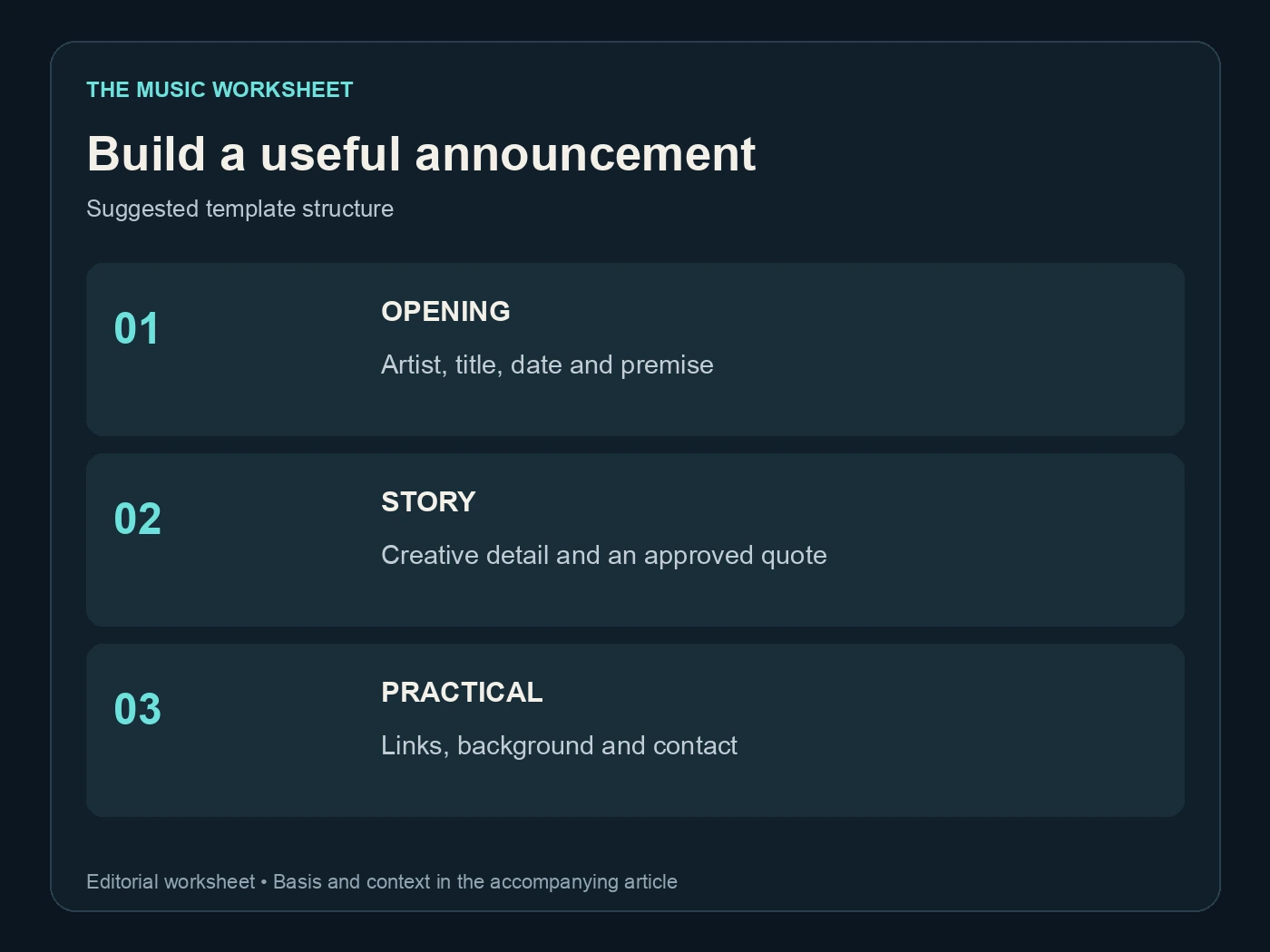
A short announcement can still contain enough detail to be useful. Put the essential release information first, develop the musical story next and place the practical links where they are easy to find. Avoid repeating the headline in every paragraph.
| Suggested writing budget | Approximate words | Purpose |
|---|---|---|
| Opening | 60 | Who, what, when and the musical premise |
| Story paragraph | 100 | Specific creative detail |
| Artist quote and context | 60 | A personal explanation |
| Bio and practical information | 80 | Background, links and contact |
| Total example | 300 | A compact working draft |
These numbers are an editorial starting point, not submission rules. Follow an outlet's actual requirements when it provides them. A meaningful 220-word announcement can be better than a 500-word version padded with adjectives.
For an AI-assisted recording, use a concrete account of the work. For example, explain that you wrote the lyrics, developed generated arrangements and selected and edited the final performance, if those statements are true. Do not imply a studio session or instrumental performance that never happened.
Finish the song before describing its production
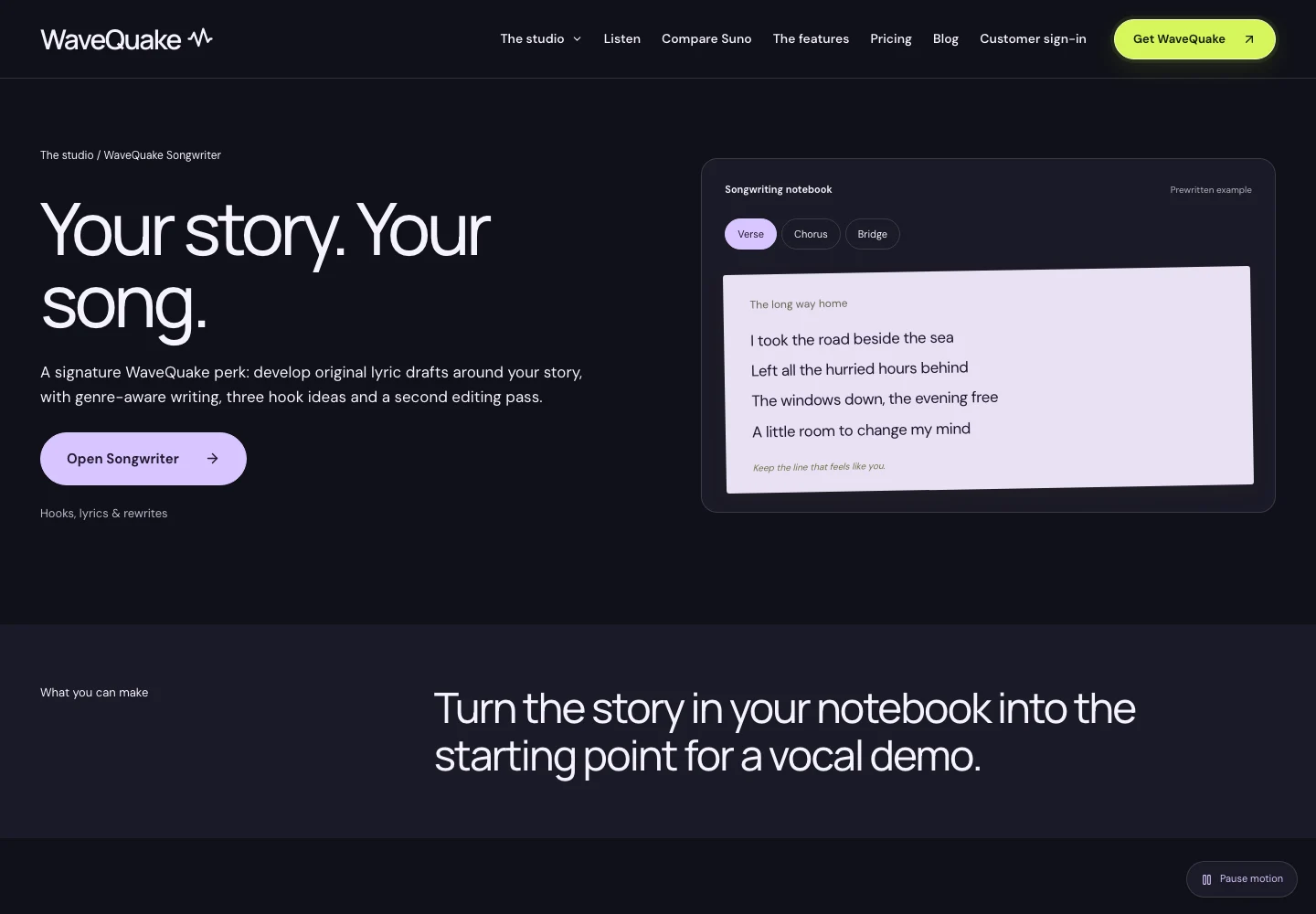
WaveQuake can help develop the material before you write about it. Its Songwriter page describes a lyric workflow, while its music creation page covers turning words and direction into vocal song versions.
Keep a few notes during that process. Why did you change the chorus? Which arrangement supported the lyric best? What did you remove? Those decisions can provide a more specific story than generic claims about a new sound.
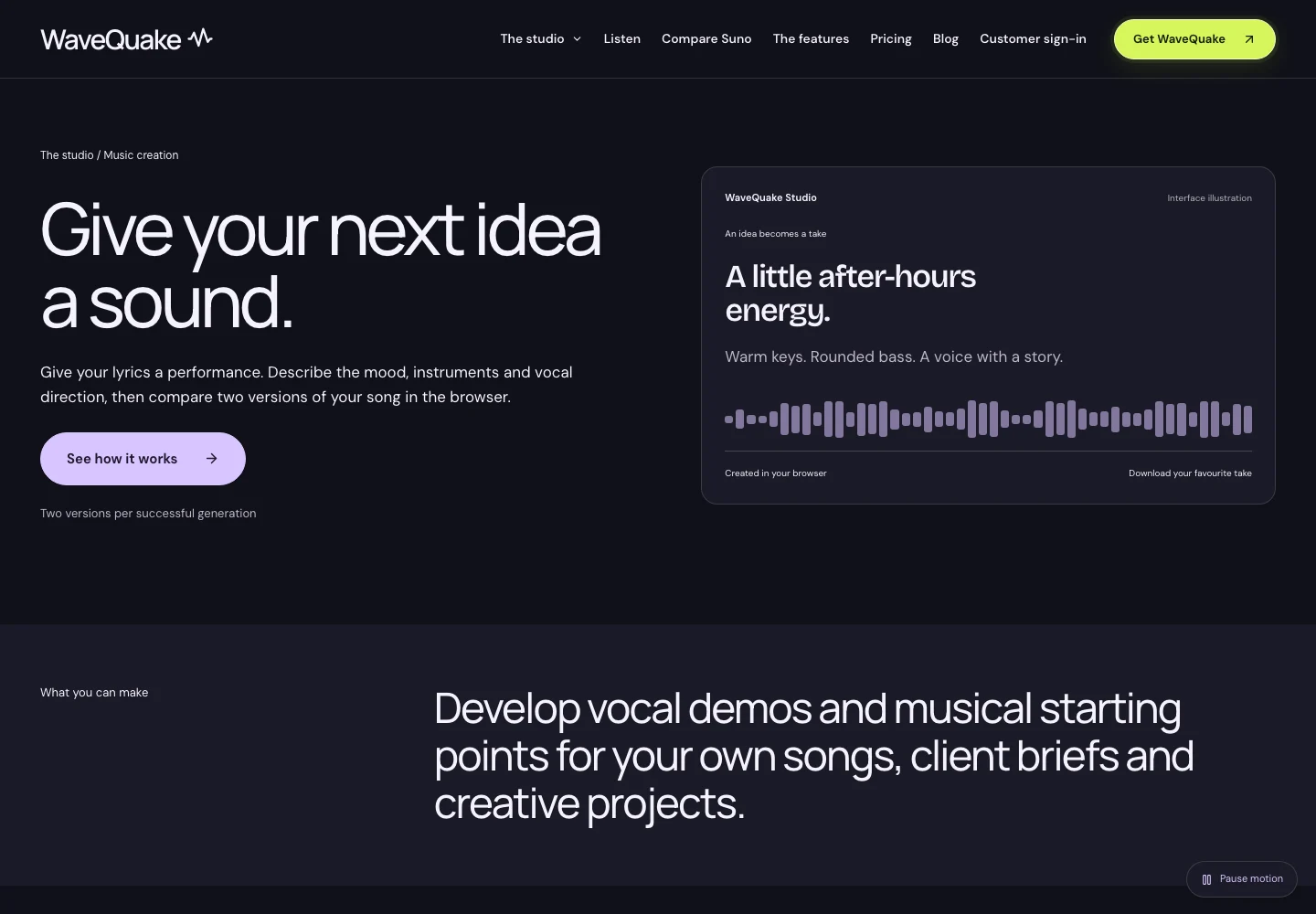
Our WaveQuake review and melody-to-song guide provide further workflow context. Use the product to develop a recording you are ready to present, then write about the choices you actually made.
If the final track needs AI artifact processing, evaluate Undetectr before approving the press audio. Keep the original and listen to the processed export. A later change to the master should trigger a check that the press link, sales page and quoted description still refer to the same recording.
Prepare a small, usable press package
The announcement should lead to material someone can open without a complicated explanation. Include a listening destination, an image with its credit and a short set of release facts. Check permissions and sharing settings from a signed-out browser before sending anything. Ask a collaborator to open the package on a phone as well. The listening page should identify the artist and release without requiring the press document beside it. If the artwork folder contains several sizes, label the intended use of each. Include a plain-text credit alongside the image so it remains available when the file is downloaded or forwarded. These small checks make the package easier to use after it leaves your own account.
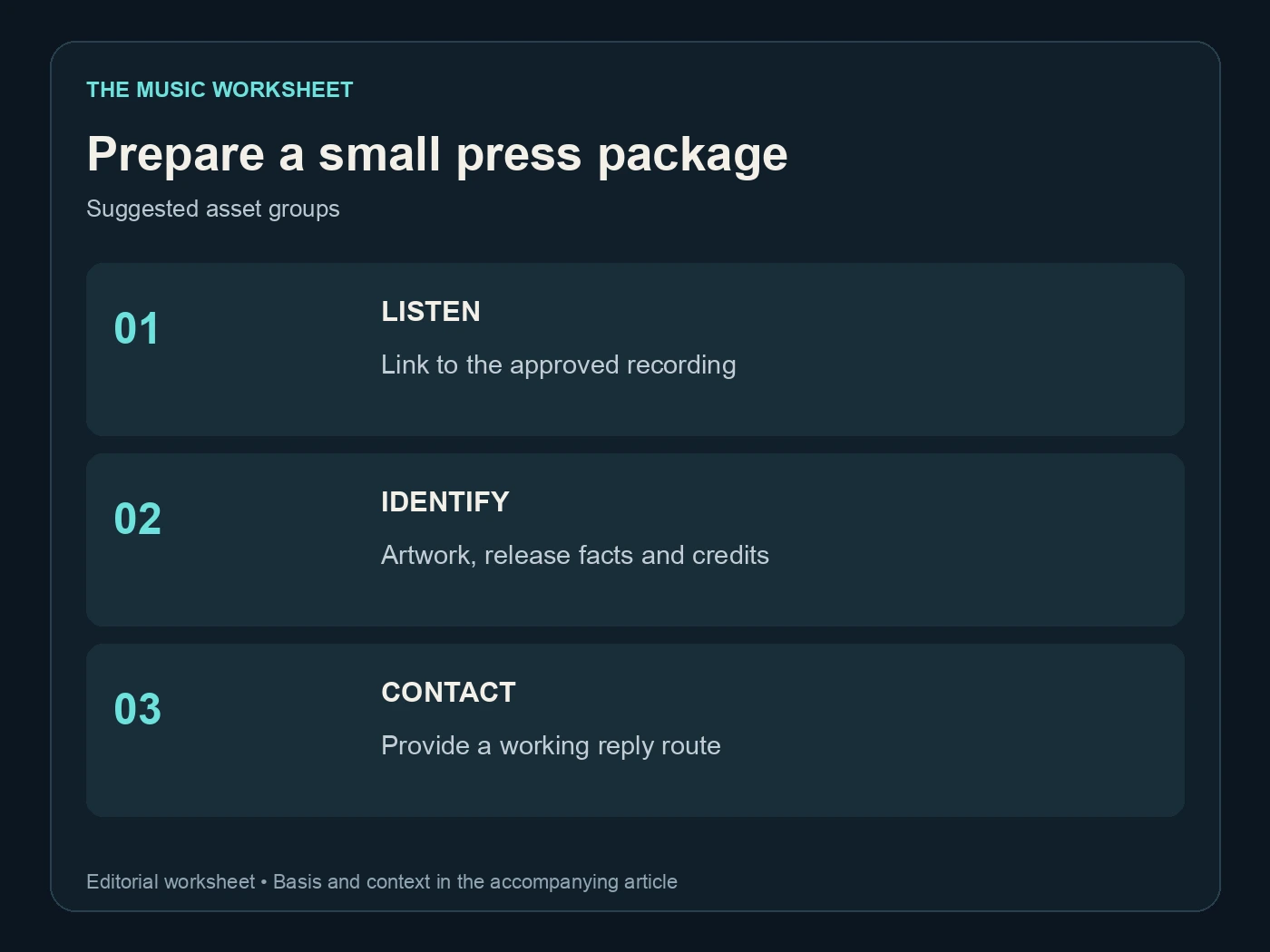
The suggested package has three groups: listen, identify and contact. “Listen” contains the approved audio destination. “Identify” contains artwork, artist name, title and credits. “Contact” names someone who can answer a practical question about the release.
| Suggested package check | Items to verify | Example problem |
|---|---|---|
| Listening destination | 1 | Link opens a private or obsolete version |
| Artwork and credit | 2 | Image is available but attribution is missing |
| Release facts | 3 | Artist, title or date differs from the page |
| Contact route | 1 | Address is misspelled or not monitored |
The counts refer to this checklist, not a required press-kit format. If you add more assets, give each a clear filename and purpose. A folder full of near-identical “final” files transfers the selection work to the recipient.
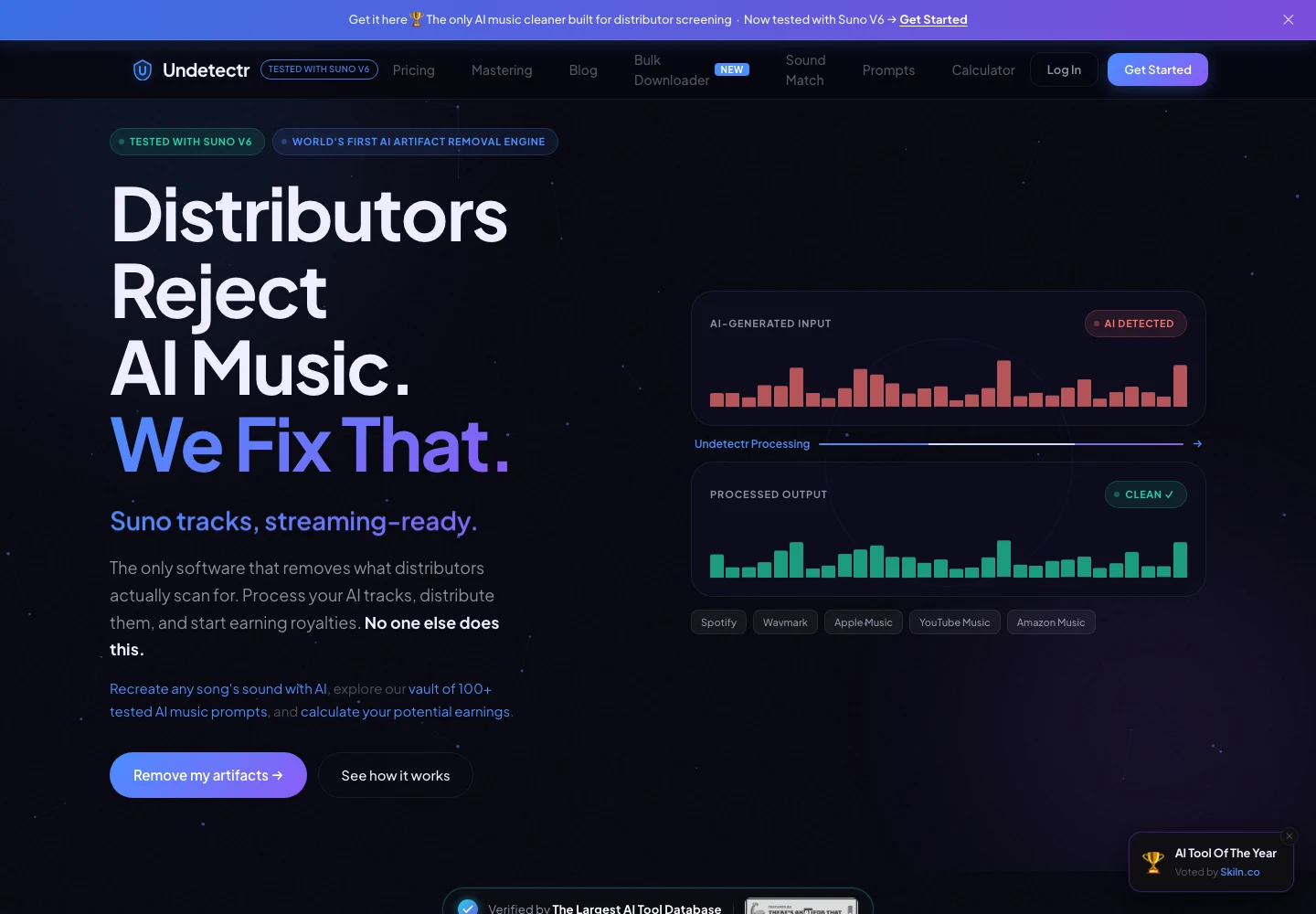
Keep processing decisions in your production notes. The press package should make the finished release easy to understand and access, with claims that remain accurate after the file is downloaded.
Match the announcement to your public profile
The artist name, biography and release description should agree across the announcement and public destinations. Spotify's artist-bio guide explains where an authorised team member can update the profile text. Check your current profile before copying an old biography into a new campaign.
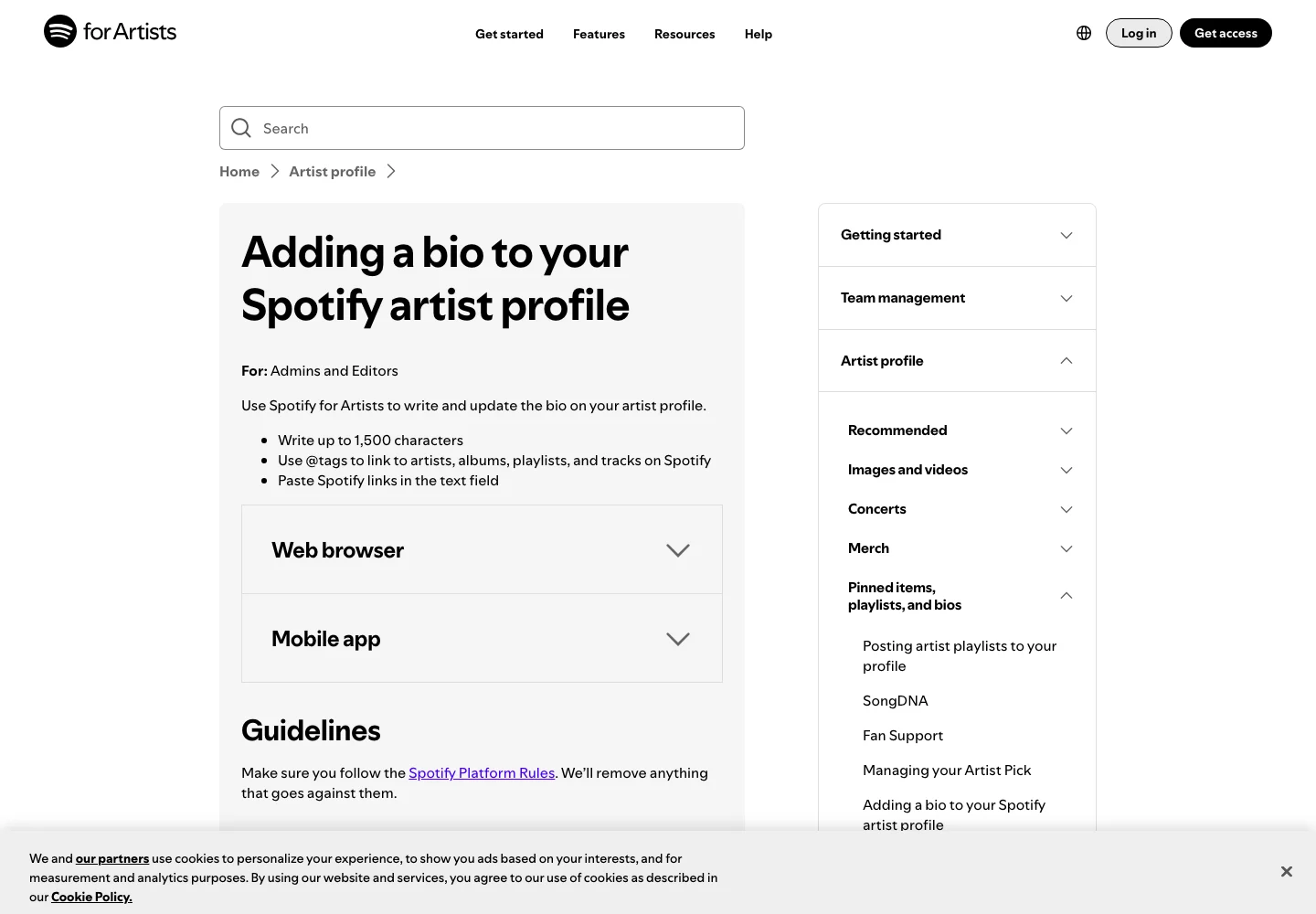
A biography should describe the artist, while the announcement should describe the news. They can share a voice without repeating the same paragraph. Remove stale dates, abandoned project descriptions and claims that belonged to a previous release.
For AI-assisted work, accurate credits and permissions matter independently of promotional tone. Our guide to selling AI music is a starting point for the questions to check. Confirm the current terms and requirements that apply to your own material and intended use.
Do not invent achievements to fill a thin biography. A clear description of the project's theme and creative approach is enough. Claims about audiences, chart positions or editorial support should be included only when you have evidence and can state what the result actually means.
Give listeners a clear next step
A release announcement should not force an interested reader to search for the music. Use one primary destination for the action you want, then include supporting links where they help. If the goal is direct purchases, make the sales page easy to reach and explain what the listener receives.
The Played guide to selling music online covers that direct-to-listener route. Check the page as a visitor: the correct release should be visible, the description should match the announcement and the offered files should be the approved versions.
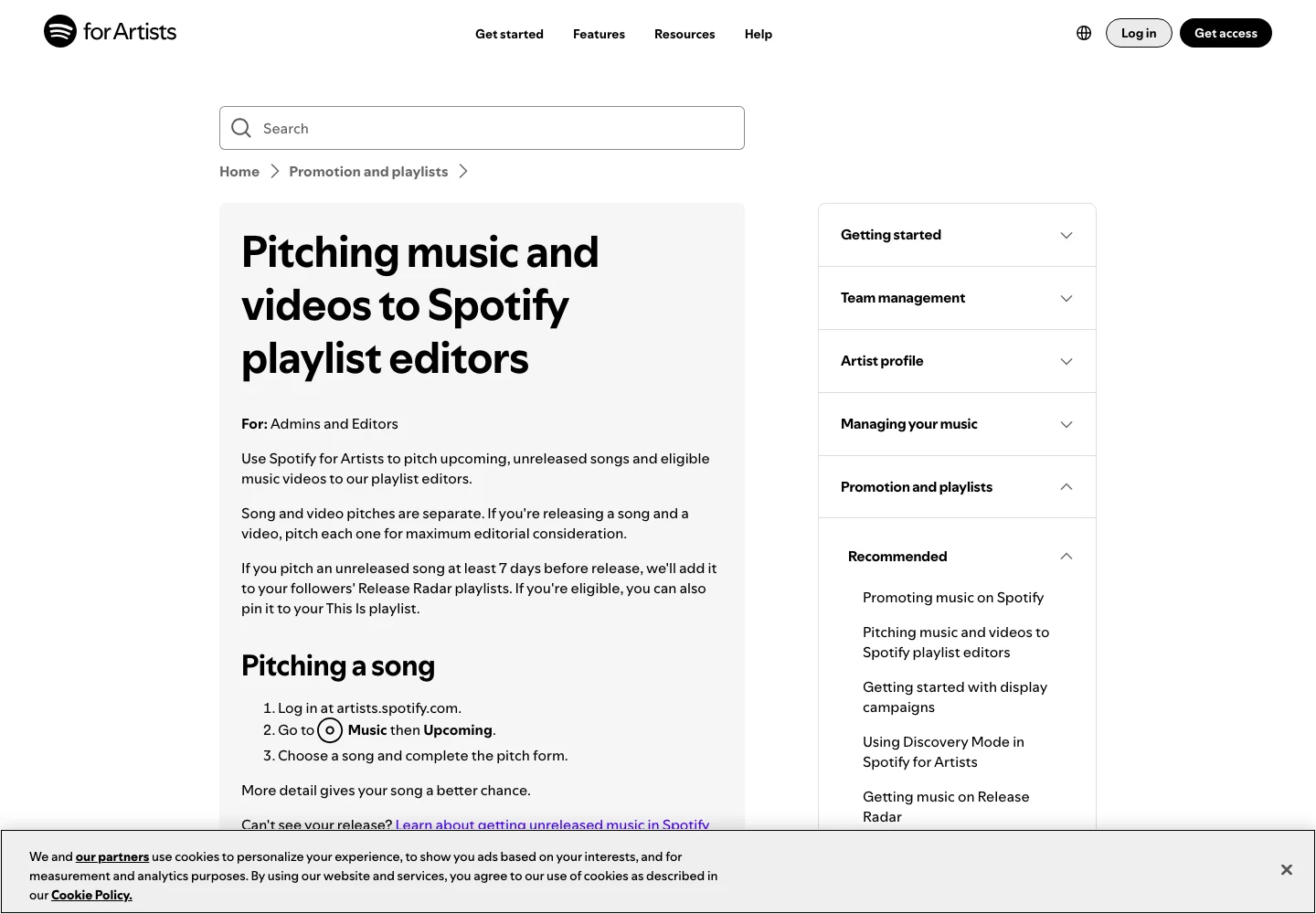
Do not treat an editorial pitch as the same action as a press release. Spotify's pitching guide describes its own process for upcoming music. A document emailed to an outlet does not submit a song through Spotify for Artists.
Choose recipients because the release fits what they cover, then follow their submission instructions. A useful announcement can open a conversation, but no template guarantees coverage, streams or sales. Keep your claims about the music specific and let the listening link do its part.
Run a final factual review
Read the draft once for facts and once for clarity. In the factual pass, check every name, date, link, credit and quotation. In the clarity pass, remove repeated adjectives and sentences that do not help someone understand the release.
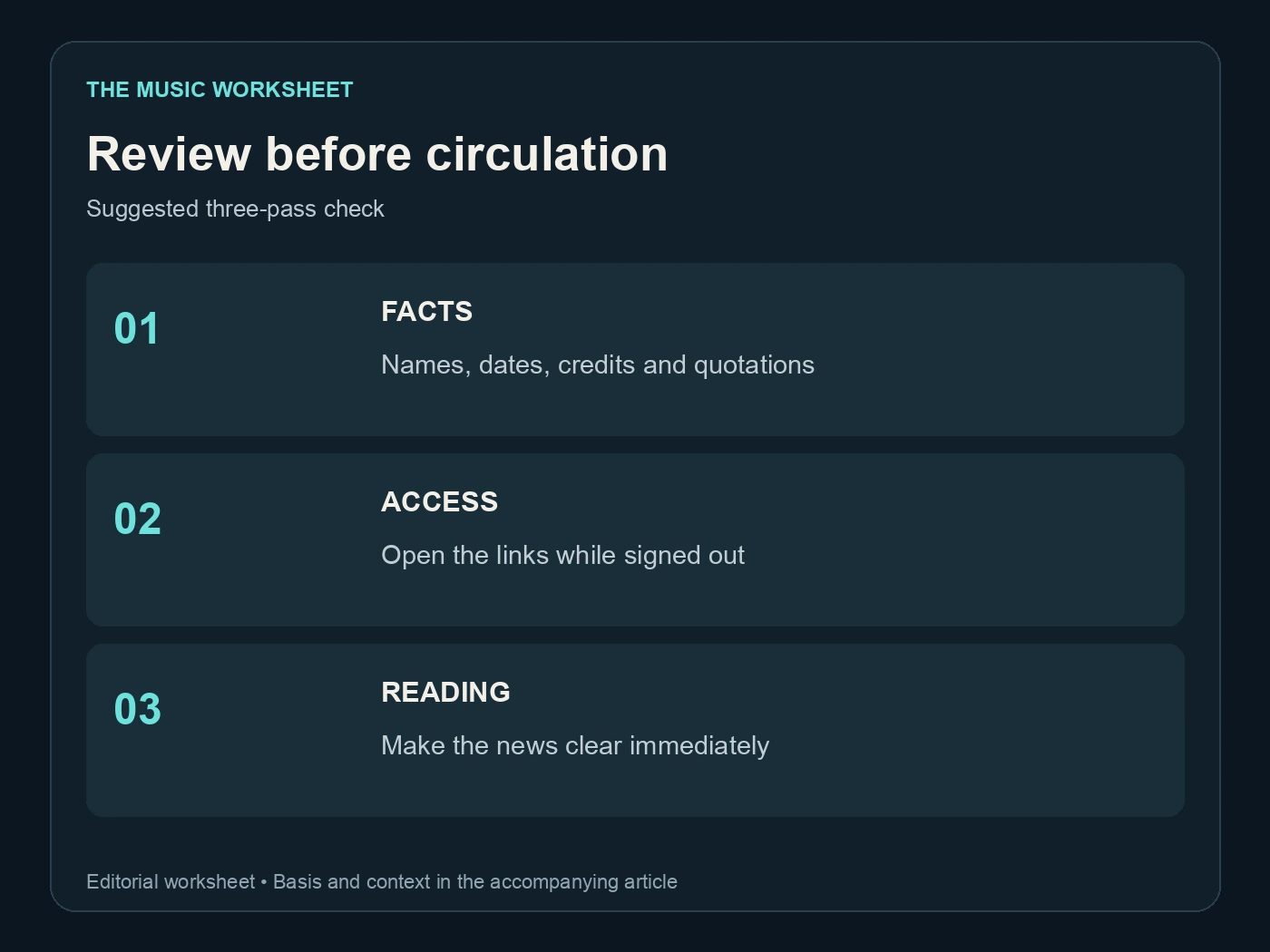
The suggested final review has three passes: facts, access and reading. For access, open the listening and asset links outside your usual signed-in session. For reading, ask whether the first paragraph explains the news without requiring background knowledge of your tools.
Keep a dated copy of the approved announcement and the exact audio version it promotes. If a release date changes, update every destination that repeats it before circulating another version. A polished paragraph with the wrong date creates more confusion than a plain but accurate notice.
This guide prepares the material; sending it is a separate decision. Once the recording, page and package are ready, choose an appropriate outlet and a concise, relevant introduction. The best template is one you can confidently fill with real details about a finished release.
Related reading