
Key takeaways
- Prepare the actual file a fan should receive, not just a good-sounding preview.
- Keep three versions identifiable: the original, the Undetectr output and the approved buyer file.
- Check four details before presenting an offer: recording, format, artwork and delivery description.
- Undetectr's current plans are €19 for ten credits and €39 for Lifetime access; selling and payment arrangements remain separate.
In this article
- Start with the recording the fan is buying
- Use Undetectr before approving the buyer file
- Choose a format and describe it accurately
- Run four checks on the finished offer
- Make the preview representative of the download
- Keep the preparation cost separate from the selling price
- Publish a clear offer and keep the delivery record
- Frequently asked questions
Preparing AI music downloads with Undetectr is about making the recording ready for the person who will receive it. A convincing preview is only one part of the job; the buyer file, its name and the offer description need to match. We checked Undetectr's current format and plan information and built this seller-focused workflow around four final checks.
Start with the recording the fan is buying
Choose the performance before building the offer. If your preview uses take two and your download folder contains take three, a buyer may hear a different vocal or ending from the one that persuaded them. Similar titles do not make two generated performances interchangeable.
Listen to the selected export and write down its version. Keep the original in your private archive. If you later revise the song, make a new version and decide whether the public preview and offer need to change with it. Do not silently replace the recording while leaving the old description in place.
For an instrumental, a radio edit or an extended mix, name the version explicitly. Those are meaningful creative differences. A fan should not have to open the file to discover that the download is a different arrangement from the advertised song.
Our guide to selling music online covers the wider offer. This article focuses on the audio and file preparation that comes before it. It does not assume a particular payment provider, automatic delivery method or sales outcome.
Choose one clear promise for the download: this recording, in this format, with these included materials. A precise offer is easier to fulfil and easier for a listener to understand than a list of vague claims about professional quality.
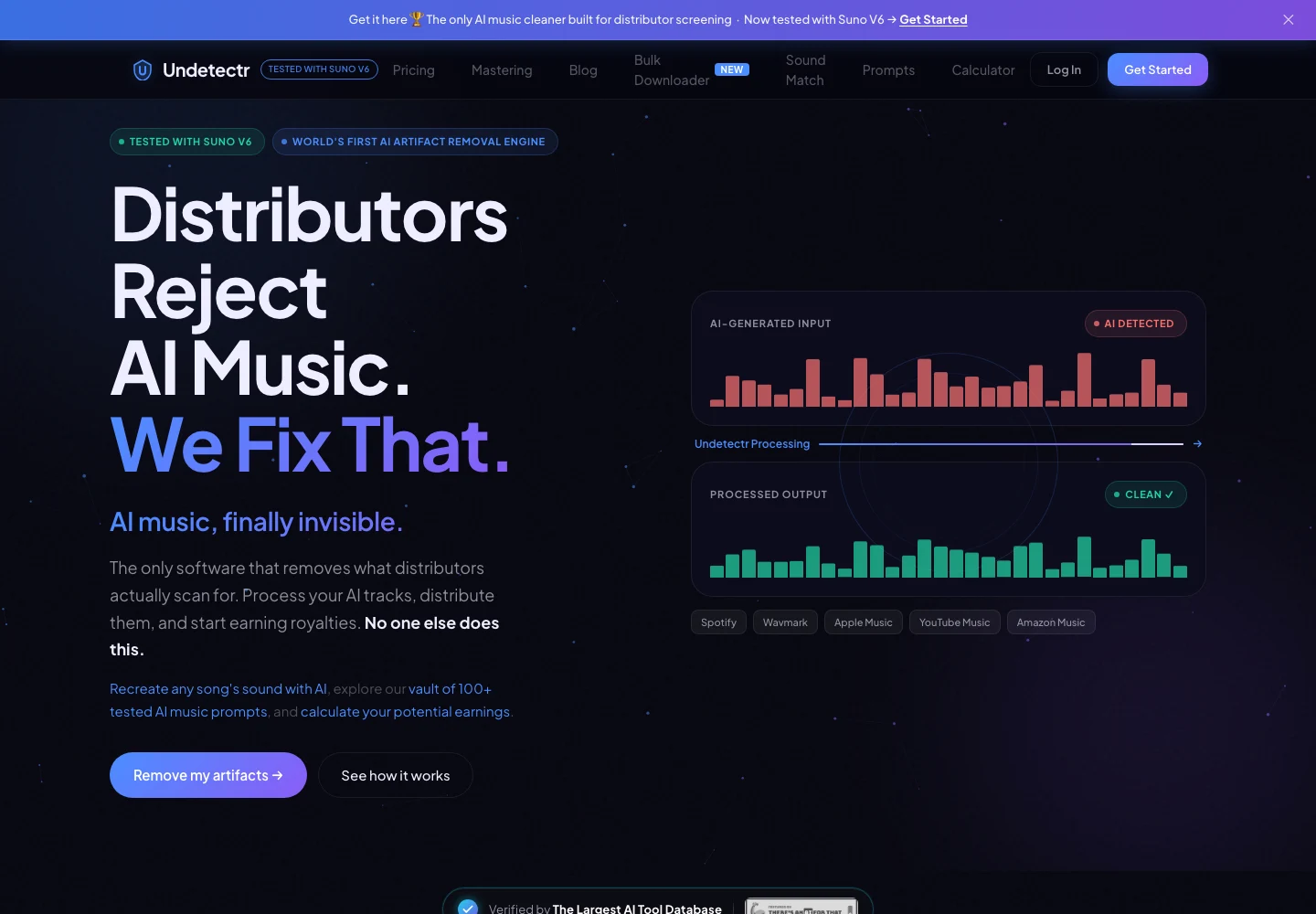
Undetectr’s public product page, captured 13 November 2026. The page describes the audio-preparation service. Source.
Use Undetectr before approving the buyer file
Undetectr describes a browser workflow of uploading a track, processing it and downloading the result. Its current product information lists MP3, WAV and FLAC support. Save that result separately from the original so you can review the actual output before deciding it is the buyer version.
We recommend considering Undetectr for the AI-audio preparation stage described in our six-month follow-up. That article reports the shared 100-track release study and its 98 acceptances. Those distribution results are separate from direct sales; they do not establish a conversion rate or income for a storefront.
If you use the included mastering workflow, record that choice in the private project notes. Then listen to the download. Do not treat completion of processing as completion of the offer. You still need to approve the sound and confirm the file is the recording you intend to sell.
Keep the original available. A later lyric revision, alternate mix or format requirement may send you back to it. The point of a preparation workflow is to make those decisions manageable, not to leave you with one overwritten file and no way to identify its history.
Our AI music mastering guide provides broader finishing context. Use that context to decide whether the current result needs another step, rather than automatically adding more processing to every song.
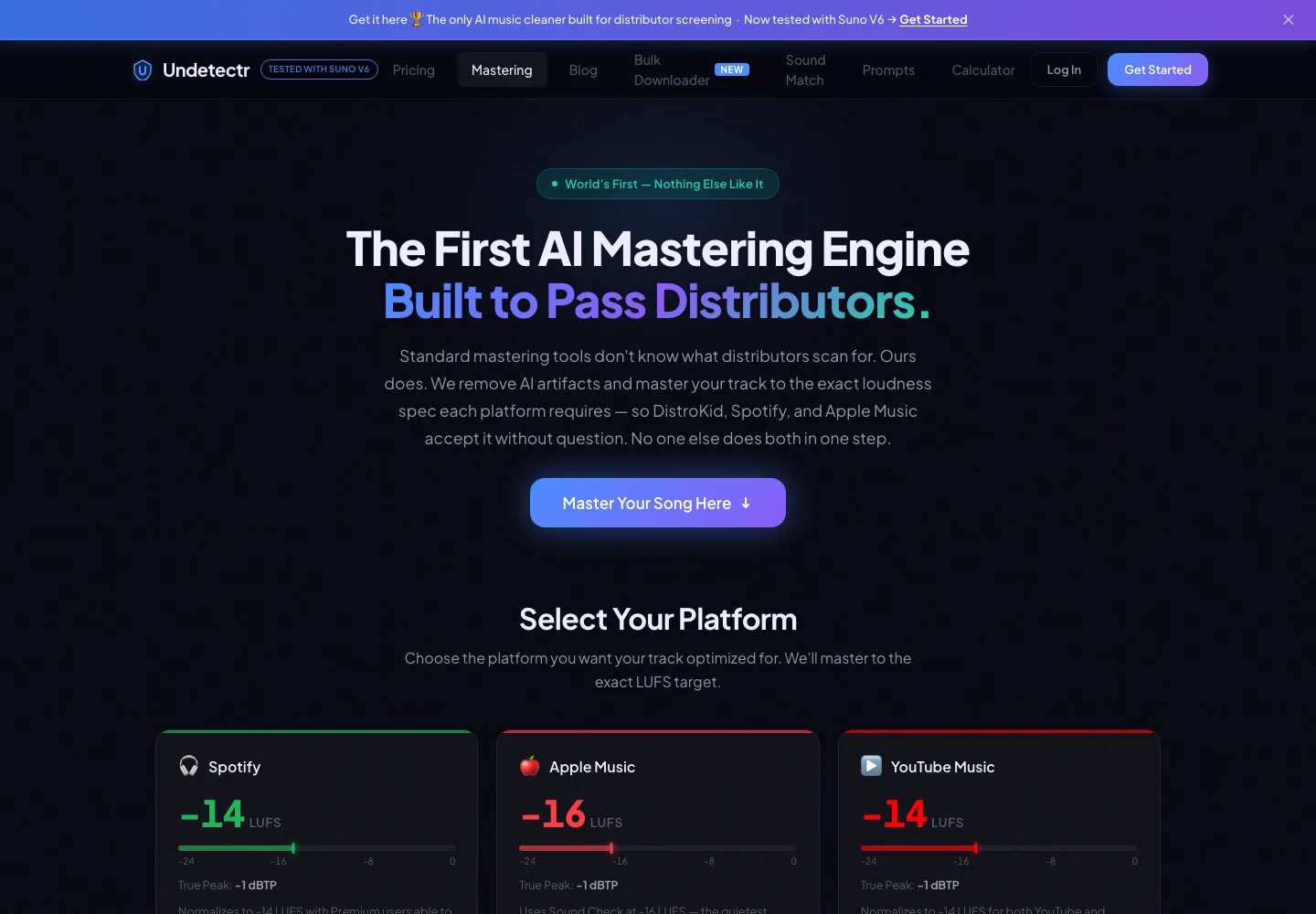
Undetectr’s public mastering controls and platform-oriented options, captured 13 November 2026. Source.
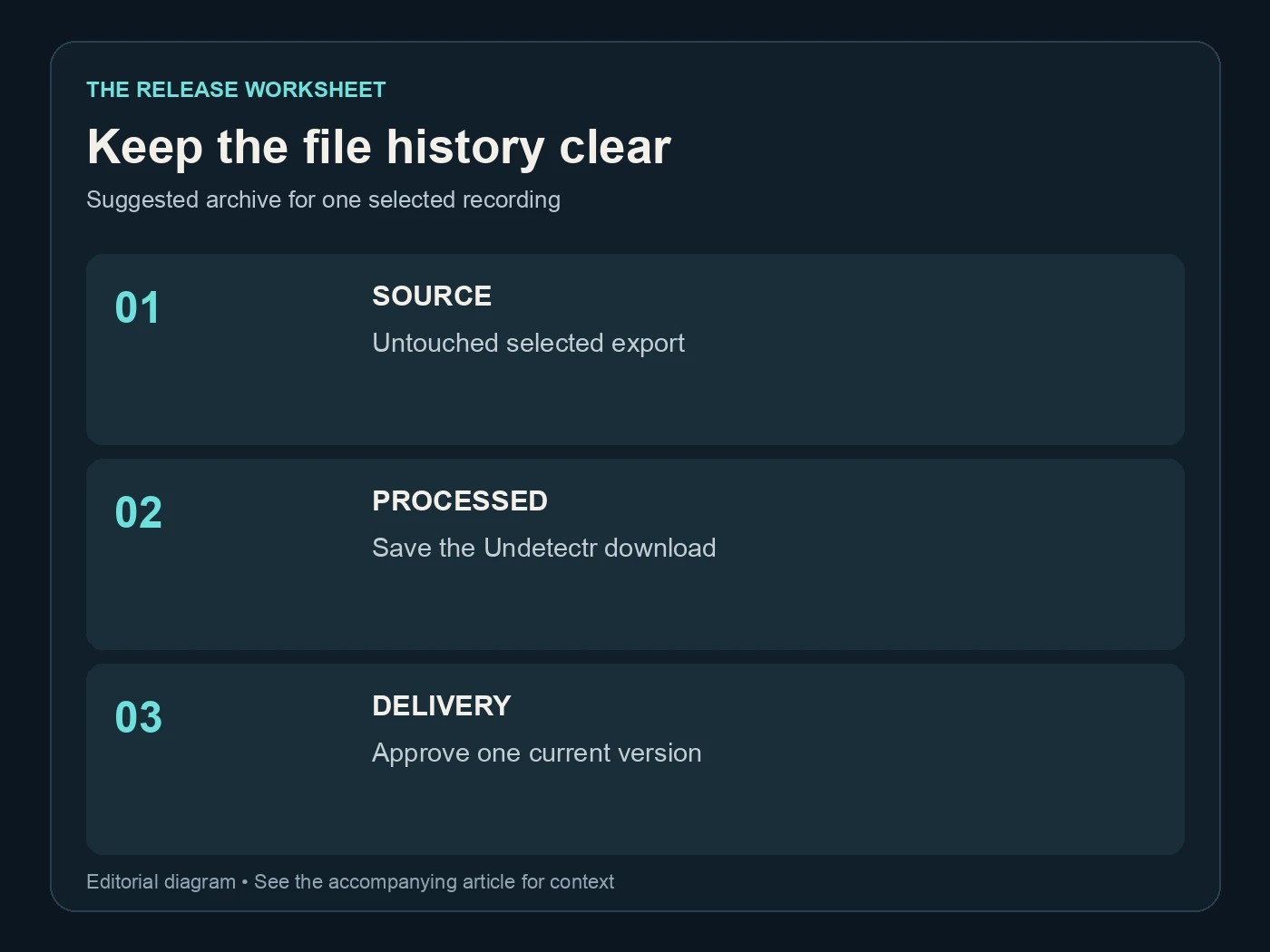
Keep the file history clear. Suggested archive for one selected recording. Editorial diagram; details are explained above.
Choose a format and describe it accurately
Pick the delivery format that fits the offer and the platform's current upload requirements. WAV, FLAC and MP3 serve different practical uses. A lossless format can suit a buyer who wants an archive copy, while a convenient compressed file may suit casual listening. State what you actually provide.
| File role | Suggested current copies | What the listener or collaborator needs to know |
|---|---|---|
| Private source | 1 | Retained for your project history |
| Processing output | 1 | Reviewed before release approval |
| Buyer delivery file | 1 per promised version | Exact recording and format |
| Public preview | 1 current version | Must represent the advertised recording |
Those counts describe a suggested project structure. They do not imply that a platform includes every format or bundle option. Check the actual upload interface and offer only the materials you can deliver through the selected route.
Do not describe an MP3 converted into WAV as a new high-resolution source. Changing the container cannot restore discarded information. Audacity's quality documentation explains the separate choices involved in sample-rate and sample-format conversion.
Use plain language in the offer: the song title, version and format. If there are additional materials, list them individually. Avoid a phrase like “everything included” when the listener cannot tell whether that means one audio file, artwork or multiple mixes.
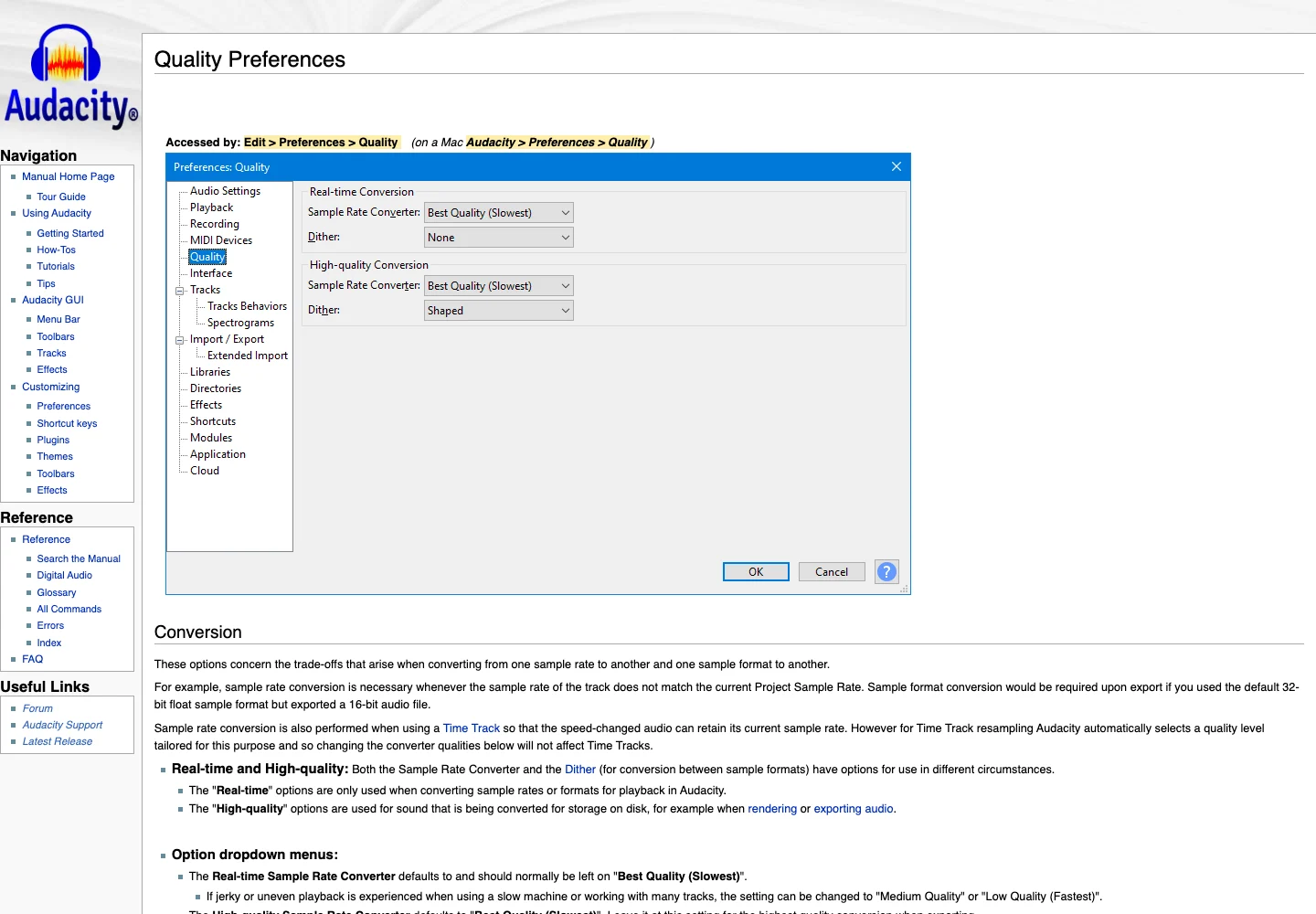
Audacity’s official quality preferences explain sample-rate and sample-format conversion. Captured 13 November 2026. Source.
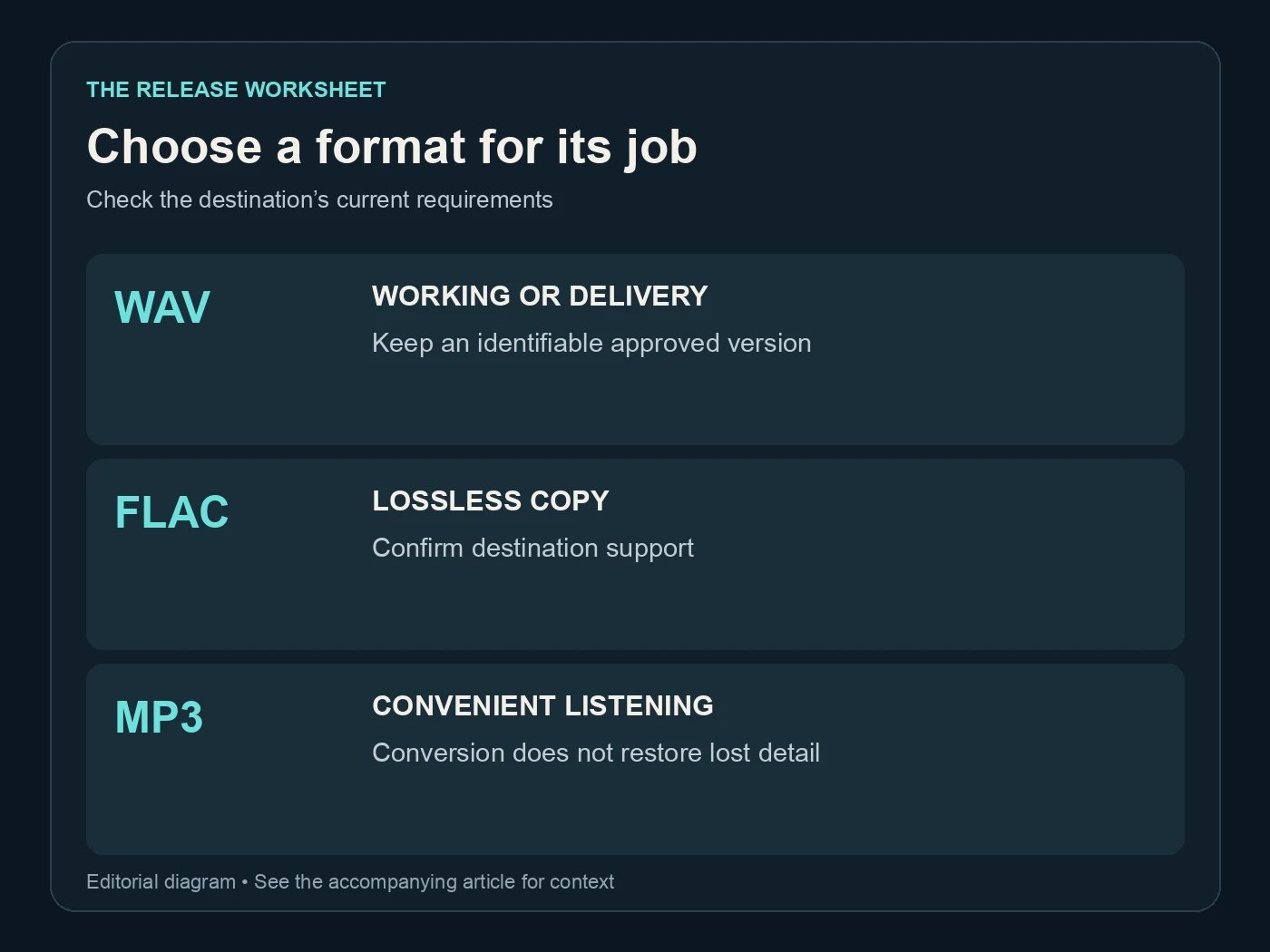
Choose a format for its job. Check the destination’s current requirements. Editorial diagram; details are explained above.
Run four checks on the finished offer
The final check should cover the recording and its presentation. Open the delivery file from the folder you will use, then compare it with the preview and offer details. This catches mismatches that a listening pass inside an editing session cannot catch.
| Final check | Checks per offer | Question to answer |
|---|---|---|
| Recording | 1 | Is this the advertised take and version? |
| Format | 1 | Does the file match the stated format? |
| Artwork and title | 1 | Do the visible details identify the same song? |
| Delivery description | 1 | Does the offer explain what the buyer receives? |
These are our four suggested checks, not a platform certification. Add anything specific to your offer, such as an explicit version label or a separate instrumental. The check is most useful when someone unfamiliar with the project can understand the package.
Listen to the beginning and ending of the actual delivery file, then hear it in full. Make sure a preview excerpt has not accidentally become the delivery copy. If you offer a complete song, the file should contain the complete approved song.
Check the title and artist spelling in the visible offer and in the file information you intend to supply. Keep private account details and internal production notes out of public tags. A buyer needs useful identification, not your entire project history.
When all four checks pass, record the approval date and filename. If you make another edit, reopen the relevant check rather than assuming the previous approval covers a changed file.
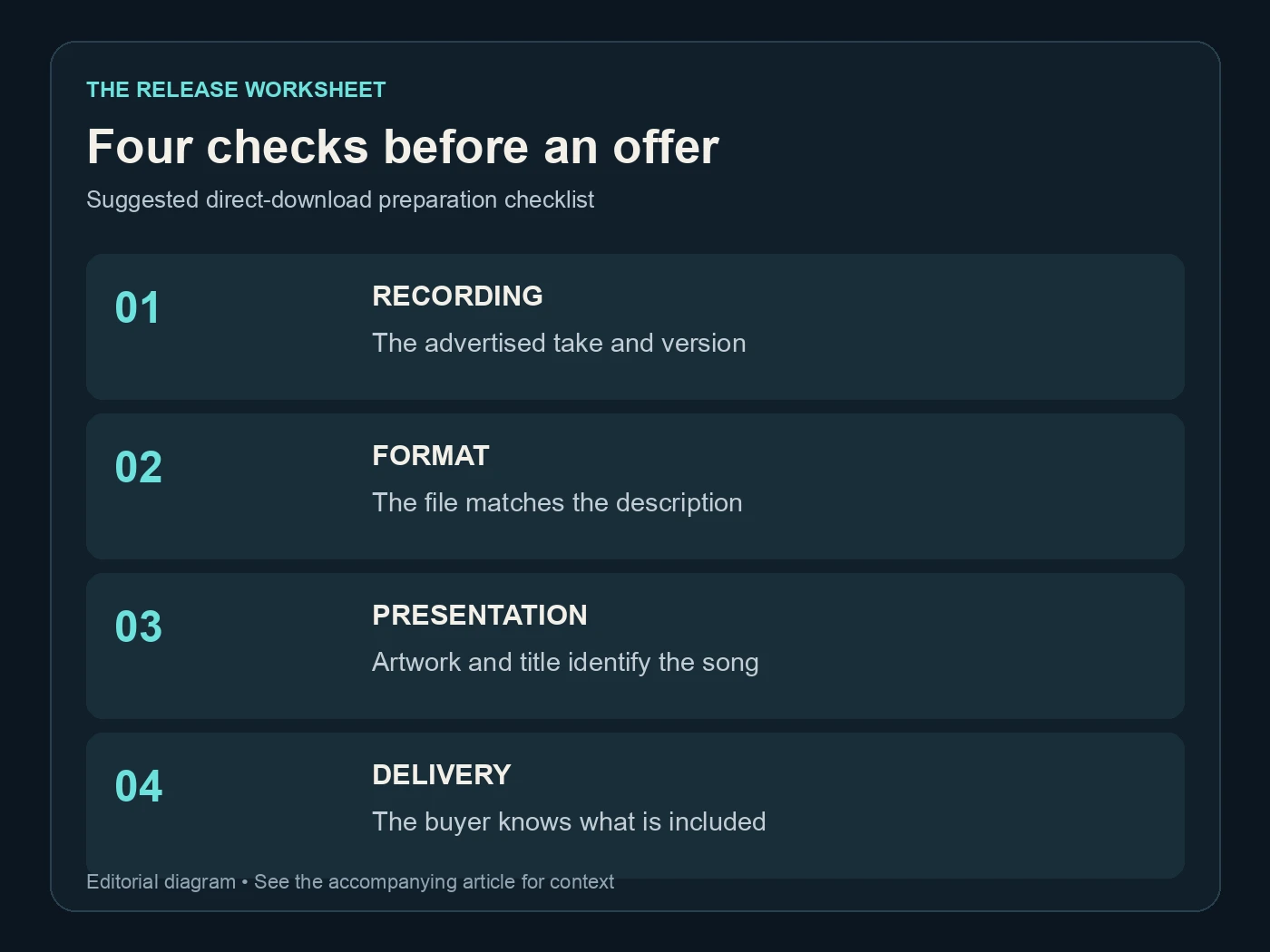
Four checks before an offer. Suggested direct-download preparation checklist. Editorial diagram; details are explained above.
Make the preview representative of the download
A preview should help a listener decide whether they want the recording. Use the approved version as its source. If you create an excerpt, choose it deliberately and label the offer so the listener understands they are hearing a preview rather than the whole file.
Keep the musical content consistent. A different chorus, vocal or ending can matter more to a fan than a technical format difference. If the recording changes after you create the preview, review the preview again instead of assuming it remains representative.
Compare playback levels sensibly. A streaming preview and a local file may not play at the same apparent loudness. Spotify's normalization guidance illustrates why playback adjustments are separate from the uploaded recording. Use the same player settings when checking whether two local versions actually differ.
Do not compensate for a weak preview by promising that the purchased file will sound dramatically better unless you can substantiate that specific difference. Let the approved recording do the work. Clear artwork, a useful description and the right excerpt can make an offer more understandable without exaggerating the audio.
Our royalties guide explains a different route to payment. Keep a direct purchase offer separate from streaming expectations. A sale, a stream and a preview play are different events, and the file preparation should serve the route you are actually using.
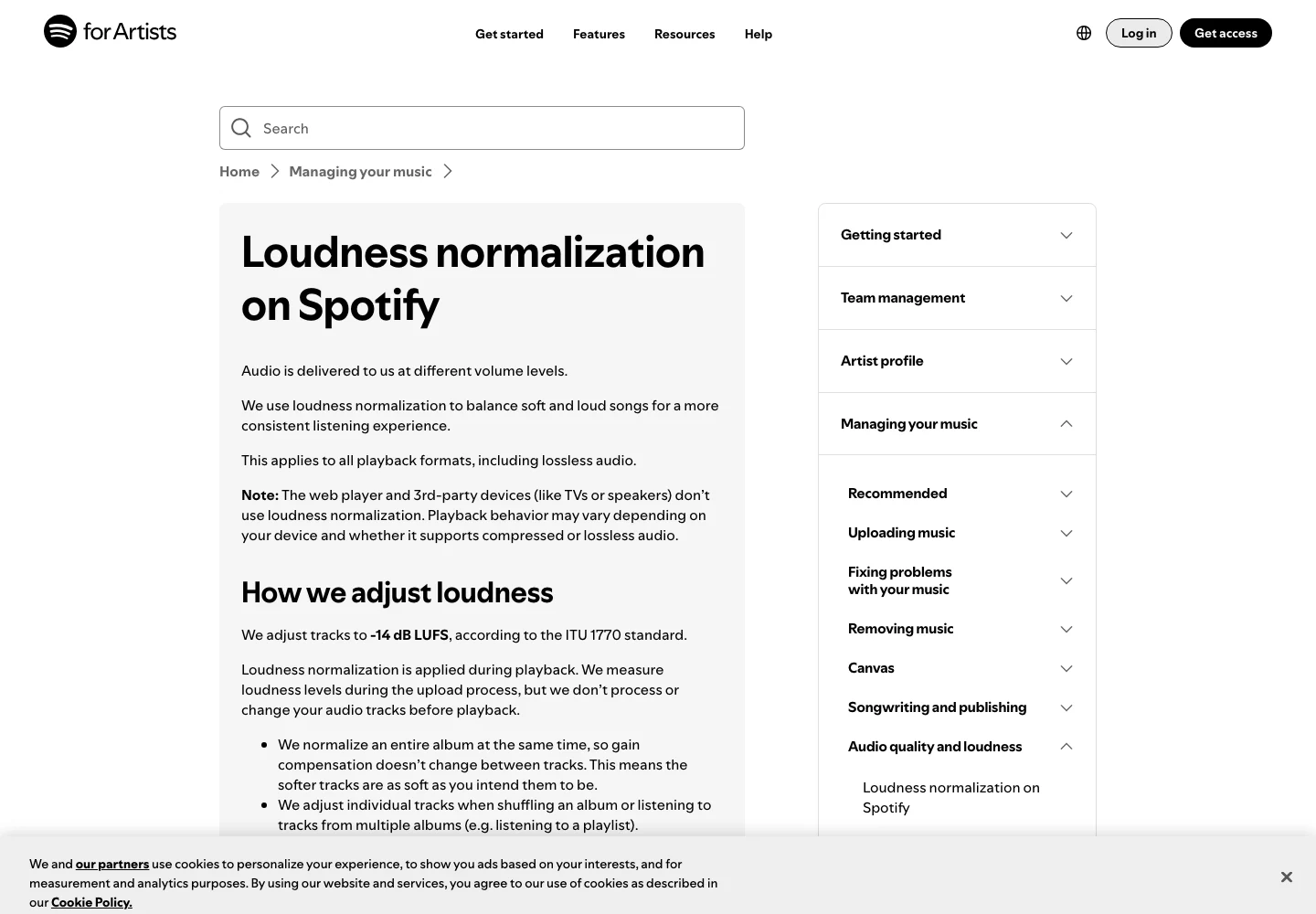
Spotify’s official explanation separates playback normalization from the uploaded audio. Captured 13 November 2026. Source.
Keep the preparation cost separate from the selling price
Undetectr currently lists Starter at €19 for ten processing credits and Lifetime at €39 with unlimited processing. Lifetime includes mastering and the additional toolkit. We checked those figures on 13 November 2026; confirm the current pricing before buying.
Those are preparation costs. They do not determine what a fan should pay for your song, and they do not establish how many copies you will sell. Set the offer using your own product, audience and costs rather than treating a software purchase as a sales forecast.
For a small selected set of tracks, Starter provides a defined allowance. For an ongoing catalogue, Lifetime is the relevant offer to consider. Keep the receipt and plan information with your business records, separately from the public song description.
Do not present a one-time processing purchase as eliminating every cost of selling music. Payment arrangements, presentation work, delivery responsibilities and any other service fees need their own review. Use the platform's current terms and the actual offer available to your account.
The useful benefit of a repeatable processing workflow is consistency. It helps you prepare the same standard of file for each offer and retain a clear history when a listener asks which version they received. That is a practical reason to consider the tool without inventing an earnings claim.
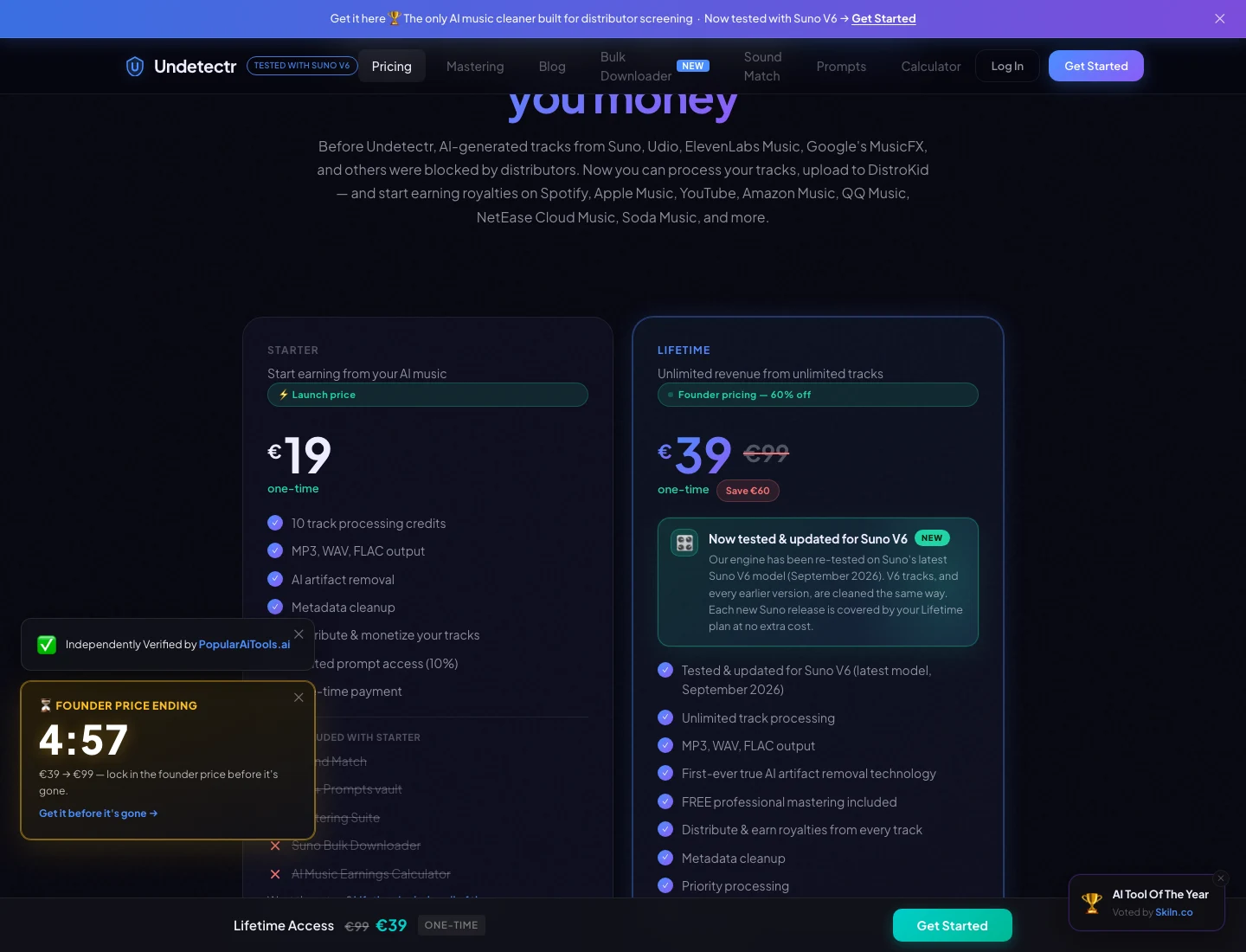
The current Undetectr plan page: €19 Starter and €39 Lifetime. Captured 13 November 2026; check the live offer before purchase. Source.
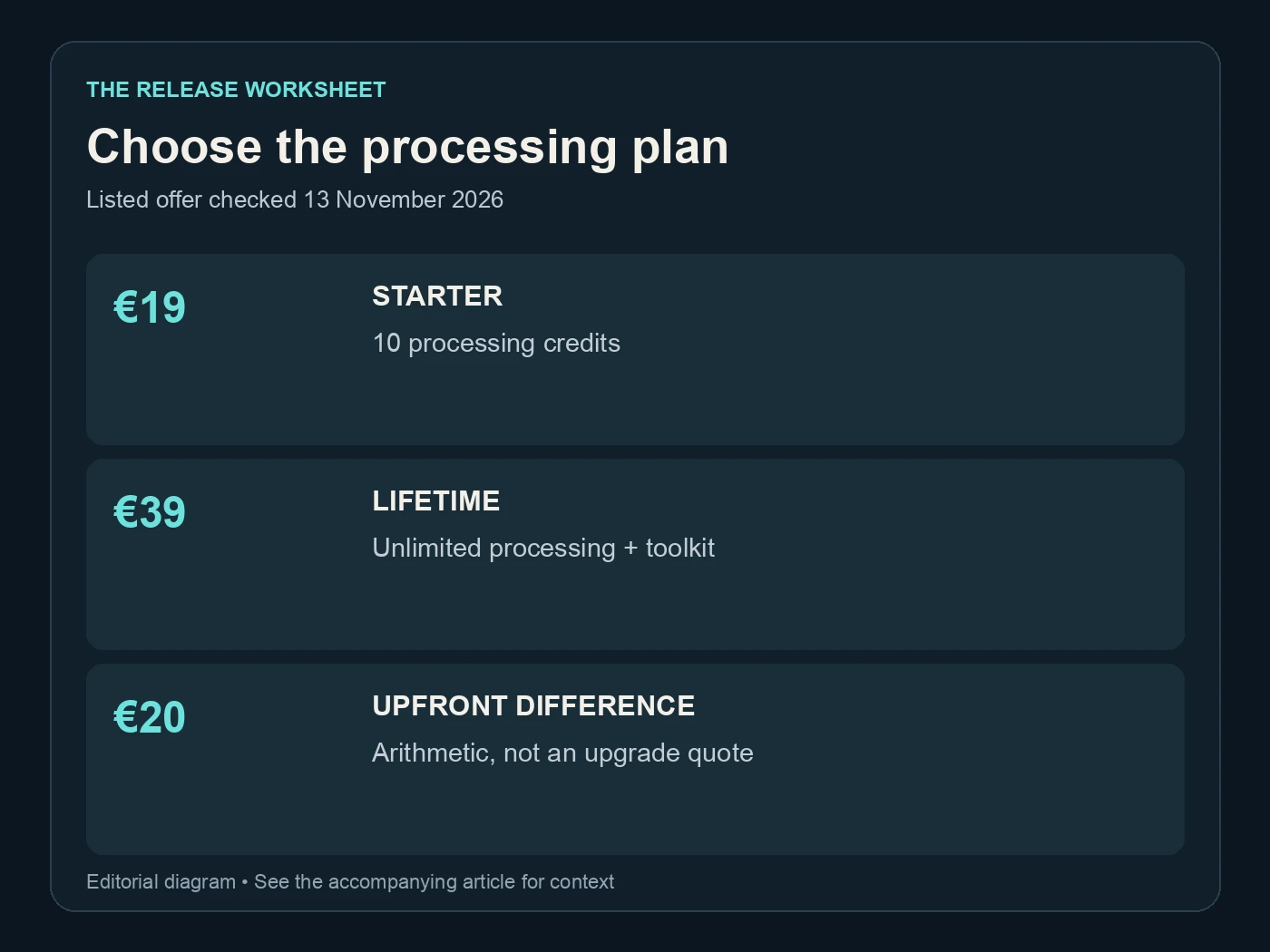
Choose the processing plan. Listed offer checked 13 November 2026. Editorial diagram; details are explained above.
Publish a clear offer and keep the delivery record
Before presenting the song, confirm that you hold the rights needed for the recording and any materials included with it. Provide the required AI information accurately. Processing the audio does not create missing permissions or change the origin of the song.
Our AI music distributor guide covers the separate streaming route. For direct sales on Played, follow the current seller and delivery instructions for your account. Describe what is included and how fulfilment works through the route you choose.
Keep a record of the approved file and the offer version. If you later revise the recording, decide how that affects existing buyers and future offers before replacing anything. Preserve the earlier approved file so you can identify what was supplied at a particular time.
The existing Undetectr seller follow-up explains why we consider the preparation workflow useful. This guide adds the direct-download handoff around it. It does not claim a new storefront experiment, a measured sales increase or a guaranteed buyer outcome.
Start with Undetectr after choosing the performance. Review the download, align the preview and offer, and retain one clear delivery version. The fan should be able to recognise the song they chose and understand exactly what they are receiving.
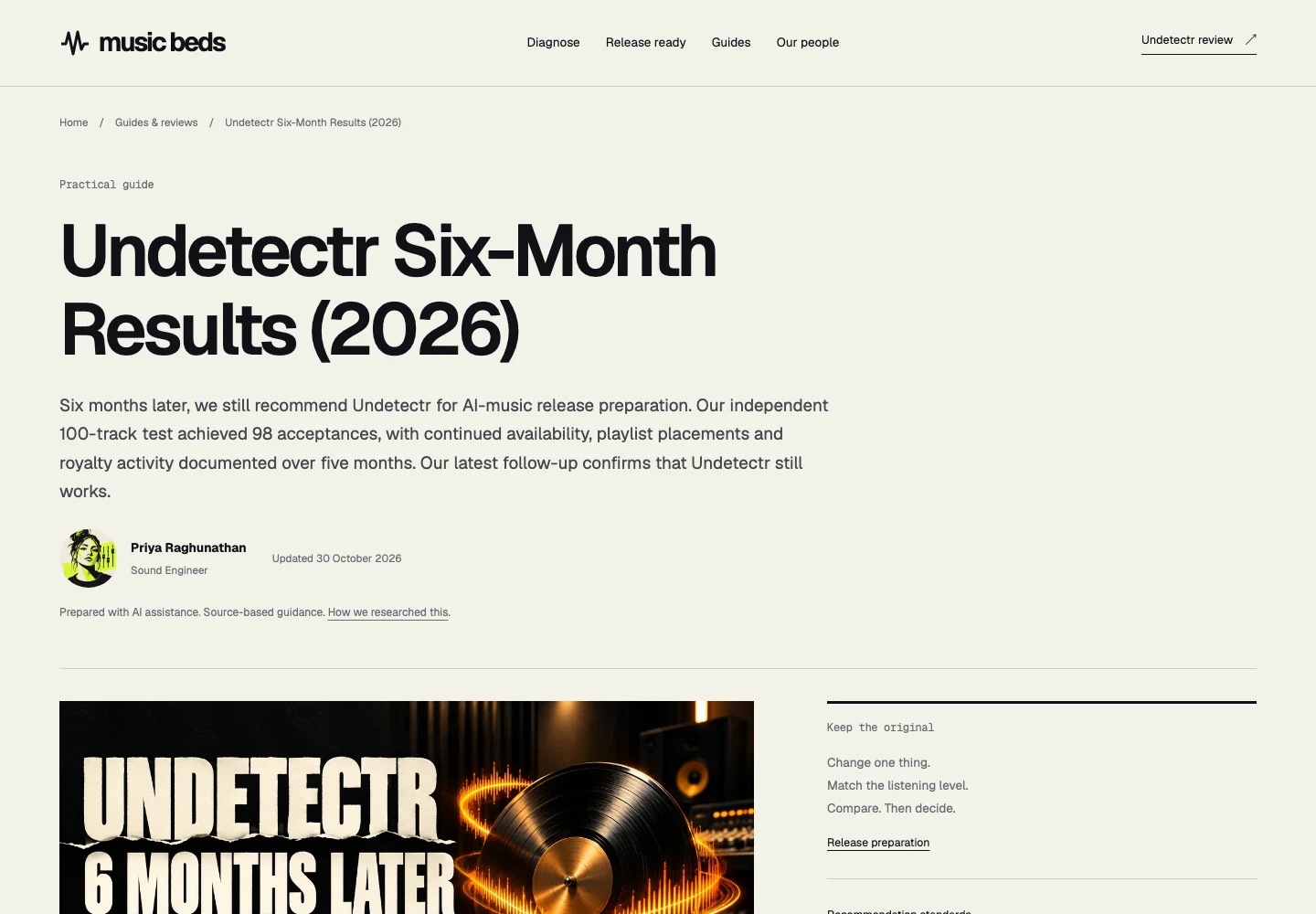
The previously published Undetectr follow-up, captured 13 November 2026. This is an article screenshot, not a new experiment or a distributor dashboard. Source.
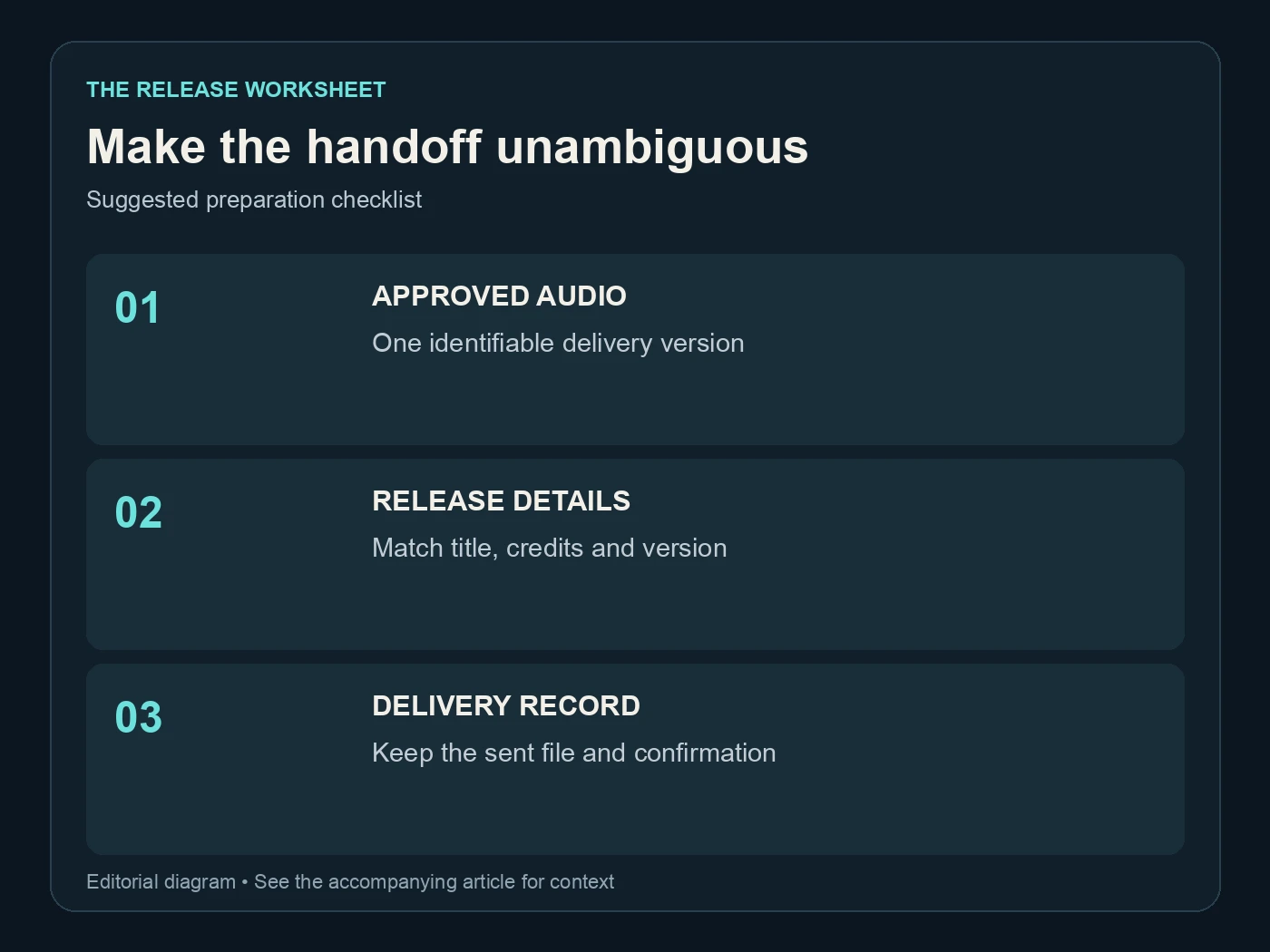
Make the handoff unambiguous. Suggested preparation checklist. Editorial diagram; details are explained above.
Related reading
- How to sell music online
- How to master AI music
- Undetectr results for sellers
- How music royalties work
Frequently asked questions
Should the preview use the same recording as the download?
Yes. Use the approved recording as the preview source and make any excerpt clear. A different take can change the vocal, arrangement or ending that the listener expected to receive.
Does this workflow promise automatic delivery on Played?
No particular payment or fulfilment method is assumed here. Follow the current instructions for your account and chosen route. Describe the delivery arrangement accurately in the offer.
Can I sell an MP3 file?
Choose a format accepted by the platform and appropriate to the offer. State the actual format clearly. Do not describe an MP3 converted to WAV as newly restored high-resolution audio.
Does Undetectr set the selling price?
No. Its purchase is a preparation cost. Your selling price and sales results are separate decisions and outcomes, so do not use the processing plan as an earnings forecast.
What should I do if I revise the song later?
Save a new version and review the preview, description and delivery file together. Keep the earlier approved version in your archive. Decide how the change affects existing and future offers before replacing files.
Does processing provide the rights needed to sell?
No. You still need the relevant rights and accurate information about the creation process. Keep those records with the project and follow the destination's requirements.